 Alex Zah
A morning routine needs one clear step that survives a rushed day. An app helps when it makes that step easier.
A feed, a streak, and ten new decisions can wait. This guide does not score productivity or expect perfect mornings.
Choose one small action before the rest of the phone takes over. Keep that action simple enough for an ordinary weekday.
How these apps were compared
I compared the first screen, setup, free access, and morning task. I did not test outcomes or use ratings as proof.
Official pages were checked on October 9, 2026. NerveWindow is included, and I built it.
The full process covers ownership, price checks, and corrections. Read How We Review Apps.
Quick comparison
| App | Best fit | Access | Main limit |
|---|---|---|---|
| Finch | A playful list of small daily goals | Core features free; optional Finch Plus; iOS and Android | The virtual-pet loop can be more interaction than a quiet morning needs. |
| Daylio | A very quick mood and activity check-in | Free unlimited version; optional paid upgrade; iOS and Android | It records the morning but does not choose a calming action for you. |
| Headspace | A guided daily meditation or morning audio | Some free access; monthly or annual paid plans | It works best when you want a content routine, not a simple checklist. |
| NerveWindow | One short practice based on how you feel today | $27 Basic or $67 Pro, paid once; browser access | It is not a calendar, task manager, or habit game. |

Access and prices checked October 9, 2026. Offers can change; confirm the final amount before you pay.

1. Finch: best for a playful habit list
What it does: Finch turns small goals into care for a virtual bird. Free features include goals, reflections, social encouragement, and seasonal activities.
Best fit: a friendly game makes habits easier to start. Morning goals might be opening curtains, drinking water, and stepping outside.
Limit: rewards, events, and decorating can create more phone time than the habits. Plus adds more content and custom options.
Access checked October 9, 2026: core features are free, and completed goals give the bird energy. The US help page lists Plus at $9.99 monthly or $69.99 yearly.
2. Daylio: best for a ten-second check-in
What it does: Daylio records a mood, selected activities, and an optional note. Over time, it can show patterns around workdays, sleep, or exercise.
Best fit: you want a quick record with little writing. A morning entry can answer, “How am I starting today?”
Limit: you decide what to do with the information. Logging can become a substitute for the next small action.
Access checked October 9, 2026: a free unlimited version and optional Premium remain available. Current numeric pricing appears inside the app.
3. Headspace: best for guided practice
What it does: Headspace offers courses, daily meditations, movement, sleep content, and morning material. Its guided style gives you a voice to follow.
Best fit: you want to begin with guided audio rather than manage a checklist. The same style can support a repeated routine.
Limit: it is more than a two-minute routine, and the library requires browsing. Check renewals and cancellation before paying.
Access checked October 9, 2026: some content is free, with monthly and annual plans. The public checkout showed no stable price during this check.
Build the routine before choosing the app
Write the routine in one sentence: “Before messages, I open the curtains, drink water, and do one two-minute check-in.” Choose an app only for the hard part.
The morning routine guide explains small repeatable steps. For more options, see the seven-minute reset guide.
A four-step routine that fits a busy morning
- Keep messages closed. Give yourself two minutes before email, news, or social apps.
- Look at the day. Open the curtains or step near a window. Notice the actual light and weather.
- Check how you feel. Use one word or one app entry. Do not write a full report.
- Take one action. Drink water, move for one minute, or follow one short guided practice.

If the day begins with many tasks and no clear starting point, the exercise finder can narrow a practice without asking you to search a library.
Who should pick another app
Use a calendar for appointments, a sleep tool for an inconsistent night routine, or a bedside card when opening the phone leads to messages.

You do not need a wellness app for every job. A timer, sticky note, or glass by the kettle may protect the routine with less setup.
How NerveWindow fits
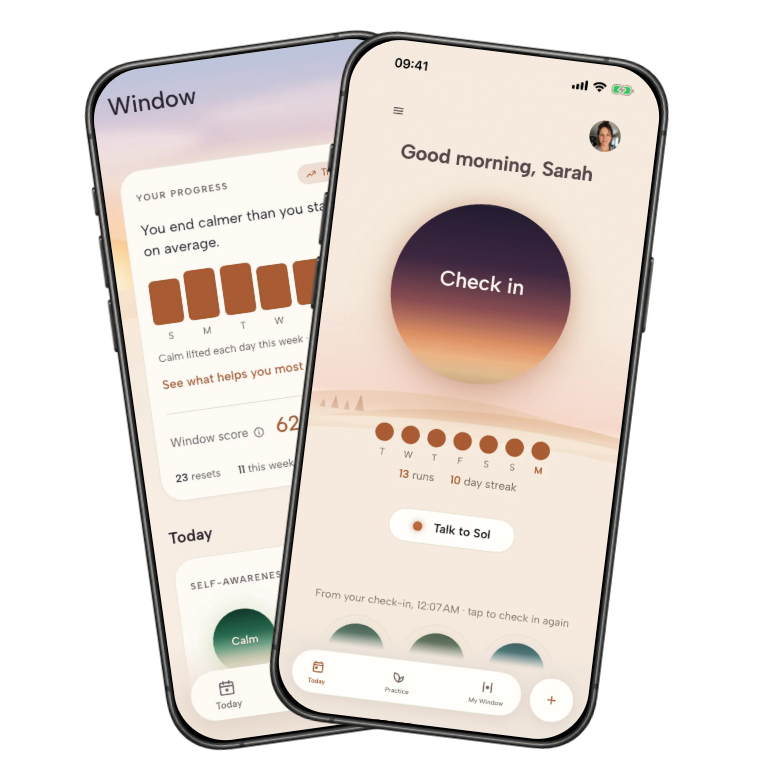
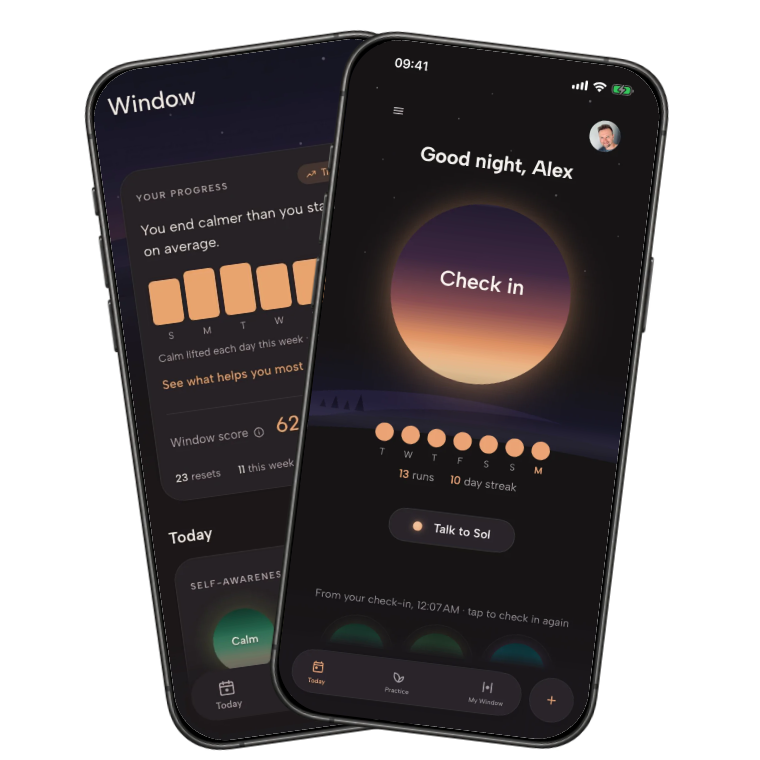
NerveWindow asks how you feel and offers one short practice. It suits mornings with too many choices, but it is not a planner or habit game.
Try the free state check-in, compare the nervous system apps guide, or view current access.
Choose for the morning you actually have
Choose Finch for a playful prompt, Daylio for a fast record, or Headspace for guidance. Choose a state-matched tool for one action without a long search.
Test one app for a week: use it before messages, then close it. If the app makes the routine harder, it is not helping.
FAQ
How can I start my morning more calmly?
Reduce decisions and put one small action before messages. Use an app only when it makes that action easier to repeat.
Which app is best for a daily routine?
Finch suits playful habits, Daylio suits fast logging, and Headspace suits guided practice. NerveWindow gives one action based on that morning's state.
Is there an app for a simple morning routine?
Yes: Finch can hold goals, while reminders or notes may handle three steps. Choose the smallest tool that does not pull you into other phone activity.
How long should a calm morning routine be?
There is no required length. Start with two to five minutes and one action; a short routine for busy days beats a long one you avoid.