 Alex Zah
Burnout support is not one job. You may need to see where energy drops, reduce the number of open commitments, rebuild tiny care habits, protect sleep, or get through one overloaded moment without adding more force.
Disclosure: this comparison includes NerveWindow, which I built. It is included for short state support, not presented as a complete burnout solution.
Before choosing an app: what burnout means here
The World Health Organization describes burn-out as an occupational phenomenon resulting from chronic workplace stress that has not been successfully managed. It is not classified as a medical condition. Everyday language often uses “burnout” more broadly, but exhaustion, sleep disruption, brain fog, low mood, pain, or other persistent symptoms can have many causes.
An app is reasonable for organization, self-observation, and self-guided practice. It is not the right tool for sorting out medical causes, replacing sleep, removing an unsafe workload, or providing professional care.

How this list was reviewed
On August 1, 2026, I checked official product pages, current feature sets, access models, and the job each product actually performs. This is a job-based editorial comparison, not a clinical efficacy ranking. A 2025 systematic review found encouraging results for some mobile burnout interventions, but study quality and intervention types varied. That does not justify saying any consumer app will “cure burnout.”
Choose by the job that is missing
| If you need to... | Start with | Why | Watch for |
|---|---|---|---|
| See patterns in energy, sleep, stress, and workload | Bearable | Flexible tracking and reports across several daily factors. | Tracking is a clue, not proof of cause or a treatment plan. |
| Reduce open loops and make load visible | Todoist | Tasks, projects, priorities, and reminders can externalize commitments. | A better list can still become a machine for doing too much. |
| Make self-care actions tiny enough to start | Finch | Turns small goals into a gentle game and daily companion. | Gamification may not fit everyone and cannot change the source of overload. |
| Use meditation, rest, or sleep content | Headspace | Broad guided meditation, sleep, focus, and mindful movement library. | Rest content does not create actual recovery time. |
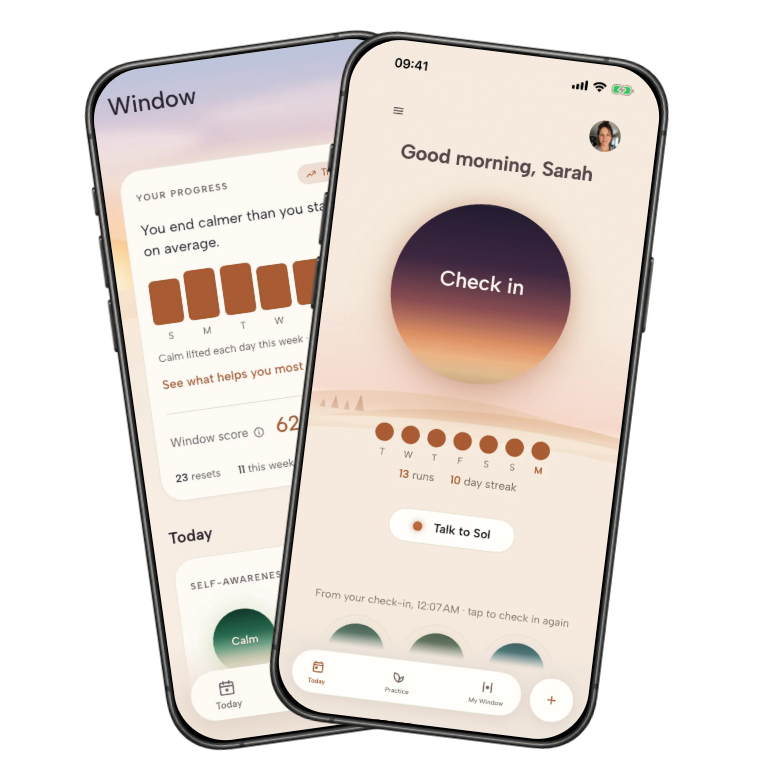
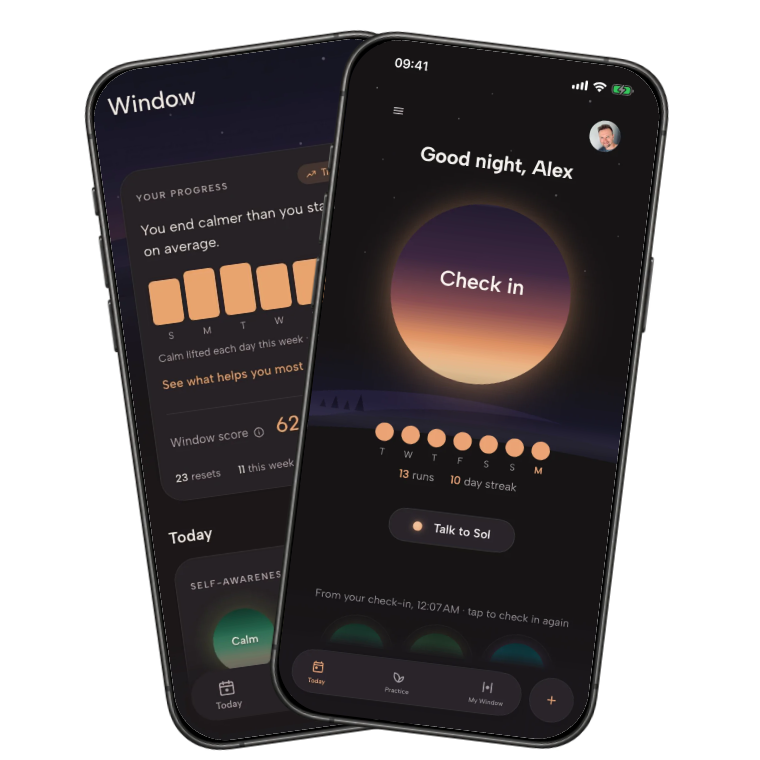
| Choose a short practice for the state you are in | NerveWindow | A quick check-in routes you to one state-matched practice. | It supports a moment; it does not recover the whole workload. |

1. Bearable: best for recovery-pattern tracking
What it does: Bearable can track mood, energy, sleep, stress, work, habits, symptoms, medication, and custom factors. Its reports help you look for patterns across the information you enter.
Best fit: you need a clearer record of when capacity drops and which parts of the week tend to carry more load or less recovery.
Limit: personal tracking cannot establish medical cause. It can also become burdensome. Track only the few signals that would change a decision, such as sleep, energy, workload, and recovery time.
Access checked September 16, 2026: substantial free tracking; Premium $6.99/month or $34.99/year (often discounted), with regional and promotional variation possible. Full Bearable review.
2. Todoist: best for reducing open loops
What it does: Todoist is a task and project system, not a wellness app. That distinction is useful. Capturing obligations, identifying what is genuinely due, and removing or delegating work can reduce the number of commitments held in working memory.
Best fit: part of the load comes from unclear commitments, too many places to remember tasks, or no visible limit on what fits this week.
Limit: productivity software often helps people organize an unreasonable workload instead of reducing it. Use the list to delete, defer, delegate, and renegotiate, not only to execute faster.
Access checked August 1, 2026: free Beginner plan; Pro was $7 monthly or $60 yearly on Todoist's official pricing FAQ.
3. Finch: best for very small self-care actions
What it does: Finch uses a virtual companion, goals, reflections, breathing, and other self-care activities to make small actions feel more approachable.
Best fit: the useful action is tiny but hard to initiate: drink water, step outside, pause, prepare food, or check in with someone.
Limit: a streak or reward should not become another performance standard. The tool is useful only if it lowers pressure rather than creating another obligation.
Access checked September 16, 2026: free app with a generous free tier; Finch Plus $9.99/month or $69.99/year. Full Finch review.
4. Headspace: best for meditation and sleep content
What it does: Headspace offers guided meditations, sleep content, focus tools, and mindful movement in a polished content library.
Best fit: you can protect actual time for a guided wind-down, meditation, or familiar sleep routine and prefer a broad structured library.
Limit: listening to rest content is not the same as receiving enough rest. If work continues expanding into recovery time, the structural change matters more than the next session.
Access checked September 16, 2026: subscription product; $12.99/month or $69.99/year (US). Full Headspace review.
5. NerveWindow: best for short state support
What it does: NerveWindow asks which state feels closest, then gives you one short practice matched to that state. It is designed for the moment before the next action, when you need less searching and more fit.
Best fit: you are wired, flat, foggy, restless, tense, shut down, or unsure and want a short body-based practice before deciding what comes next.
Limit: it does not remove work, restore lost sleep, change a harmful environment, diagnose symptoms, or provide another person's support. It should sit beside real load reduction, not become a way to tolerate endless overload.
Access checked August 1, 2026: $27 one-time purchase with lifetime access and a 30-day refund policy.
Read the practical burnout load map or view the current NerveWindow offer.
A better burnout app stack is usually smaller
Five apps at once create maintenance. A cleaner setup gives each tool one role:
- One record: Bearable or a simple note for the few patterns that matter.
- One workload system: Todoist or another trusted list where commitments can be reduced.
- One in-the-moment tool: NerveWindow, a saved meditation, a short walk, or another reliable practice.
- Human and structural support: workload changes, boundaries, recovery time, healthcare, or professional support when needed.

Do not install a tracker, habit game, meditation library, task system, and regulation app just because they all appear on a list. Start with the bottleneck that is making recovery harder this week.
When the app is not the next step
An app is not enough when you are unsafe, unable to function, rapidly worsening, or experiencing persistent symptoms that could have physical or mental health causes. It is also not enough when the main problem is an objectively impossible workload and nobody has reduced it.

The next useful action may be a medical appointment, a conversation about workload, time away, practical help, therapy or coaching, crisis support, or a clear boundary. The software should make that action easier, not distract from it.
Common questions
What is the best app for burnout recovery?
Bearable fits recovery-pattern tracking, Todoist fits workload visibility, Finch fits tiny daily care actions, Headspace fits meditation and sleep content, and NerveWindow fits short state-matched support. None of them replaces real load reduction.
Can an app fix burnout?
No. An app cannot remove structural overload, unsafe work, financial pressure, caregiving demand, sleep loss, or missing support. It can only make one part of recovery easier to notice or act on.
Is burnout a medical diagnosis?
The World Health Organization describes burn-out as an occupational phenomenon, not a medical condition. Similar symptoms can have other causes, so persistent or medically confusing symptoms need qualified assessment.
Short takeaway
Choose the smallest tool for the missing job. Track patterns with Bearable, reduce open loops with Todoist, make care actions smaller with Finch, use Headspace for guided rest content, or use NerveWindow for a state-matched practice. Then address the workload and support around the app.
Educational note: this comparison is for self-guided learning. It does not diagnose, treat, cure, or prevent any medical or mental health condition. Product access and pricing can change after the review date.
NerveWindow offers short state-matched support before the next useful action. It does not replace real rest, load reduction, or professional care.