 Alex Zah
A search for the best app to recharge your social battery can lead to tools that do completely different things. Some ask you to score your energy before and after an activity. Some show friends whether you feel available. Others help you decide what to do when you are already overloaded.
Disclosure: this comparison includes NerveWindow, which I built. Products are compared by the job they perform, and another product is recommended whenever it fits that job better.
How this comparison was reviewed
Checked August 19, 2026. I reviewed each product's official website or current store listing for platform, core workflow, access model, privacy statements, and stated limits. This is a source-based product comparison, not a claim that I personally tested every app for weeks.
The comparison asks four practical questions: What does the app actually help you do? Can you use it when your energy is low? What information does it store or share? Does it confuse a self-rating with an objective health measurement?

Choose by the job you need done
| Your job | Best fit | What it does | Watch for |
|---|---|---|---|
| Track patterns on Android | Social Battery Life | Manual energy ratings, activity logs, calendar, and insights. | Your score is a personal rating, not a measurement. |
| Private iPhone tracking | My Social Battery | Before-and-after energy logs with on-device insights. | Tracking helps you notice patterns; it does not create recovery by itself. |
| Share availability in a browser | Social Battery by SocialVolts | A simple 1–5 status you can share with friends. | It communicates capacity but does not guide a reset. |
| Plan connection deliberately | Sunny | Social goals, actions, energy check-ins, and short “battery boost” ideas. | Planning can add pressure when you mainly need less input. |
| Share energy with friends | Wavi | Tracks mood and social energy and lets friends see your current state. | Decide carefully who should see personal mood information. |
| Recover in the moment | NerveWindow | Matches the state you select to a short guided practice. | It is not an energy tracker or social calendar. |
First decide: learn the pattern or change the moment?
A tracking app is useful when your question is, “Which people, places, times, or activities tend to leave me with more or less energy?” The value appears over repeated entries.

A communication app is useful when the problem is explaining your availability without composing a new message every time.
A recovery tool is useful when the social event is over and you want one practical next step now. It should reduce decisions rather than give you another large library to browse.
1. Social Battery Life: best Android pattern tracker
Social Battery Life lets you update a personal energy level, log activities, and review patterns in a calendar and insights view. Its current Google Play listing says it requires no account and stores data locally, with no ads or analytics.
Best fit: Android users who want to learn which situations tend to drain or restore them. Limit: logging a number does not tell you what recovery action fits the moment.
2. My Social Battery: best private iPhone tracker
My Social Battery records your energy before and after activities and looks for patterns over time. Its App Store privacy section says data is stored on device and not linked to an account.
Best fit: iPhone users who want a private, focused energy journal. Limit: useful patterns need consistent entries, and the app still depends on your own subjective rating.
3. Social Battery by SocialVolts: best simple status sharing
Social Battery by SocialVolts is a free browser tool. You set a level from 1 to 5 and can share that status with friends. It can also be added to a phone's home screen.
Best fit: people who need a quick shared language for “open to plans” versus “need quiet.” Limit: it communicates your status; it does not help you recover or understand a longer pattern.
4. Sunny: best for intentional social planning
Sunny combines social-energy check-ins with goals and small actions for connection. It also offers short “battery boost” exercises.
Best fit: someone who wants to build a healthier rhythm of contact, not only withdraw after overload. Limit: goals and suggestions may feel like more work when the immediate need is quiet and fewer choices.
5. Wavi: best for sharing energy with friends
Wavi tracks mood and social energy and can share your current state with selected friends. That makes it more relational than a private tracker.
Best fit: a friend group that wants a lightweight way to signal availability. Limit: mood and energy are personal data. Use sharing controls deliberately.
6. NerveWindow: best for an immediate matched reset
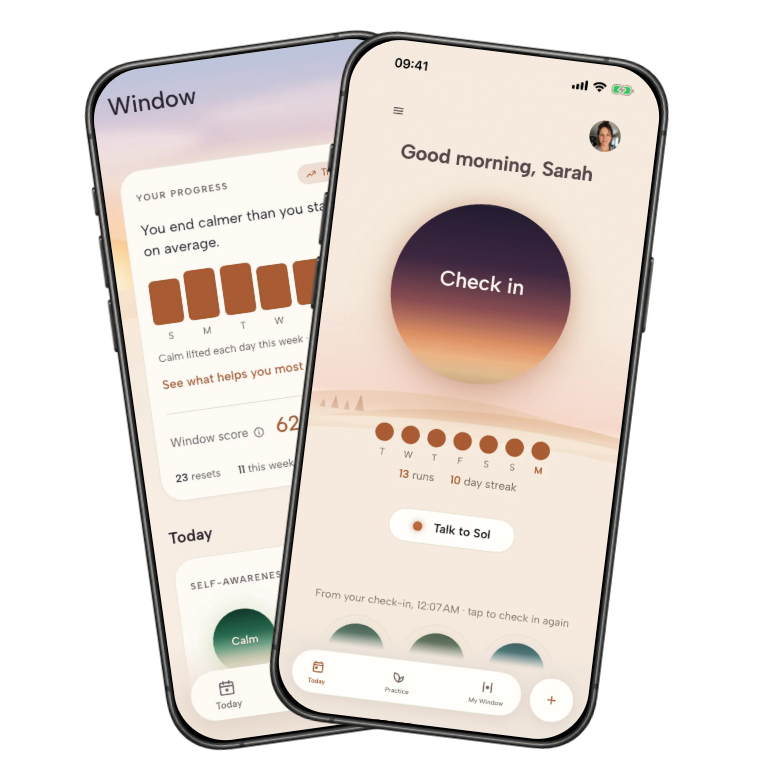
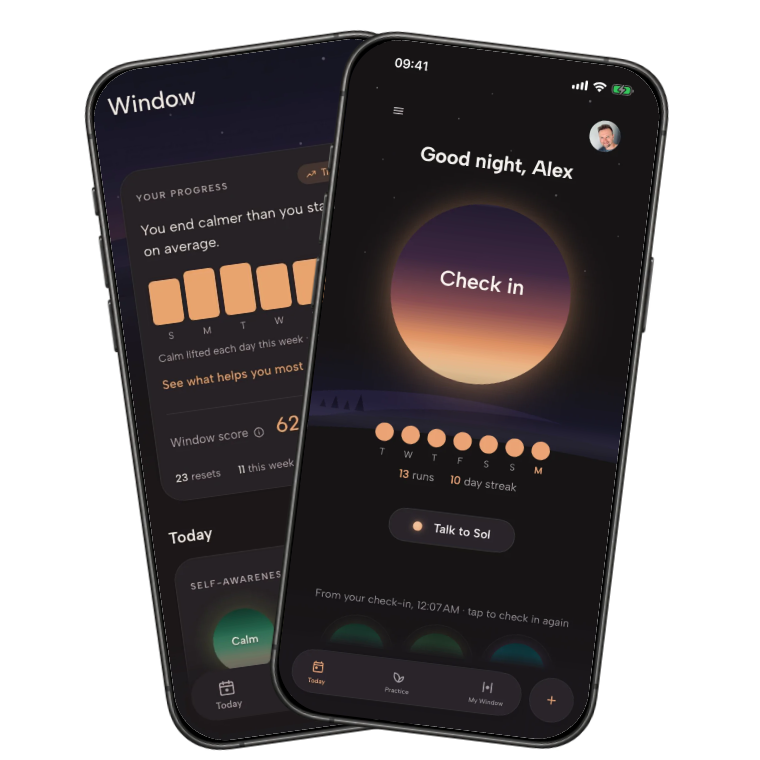
NerveWindow begins with a plain-language state check-in and routes the state you choose to a short guided practice. It is the clearest fit here when the question is not “What drained me?” but “What can I do right now?”

Best fit: social overload arrives with tension, urgency, restlessness, fog, or shutdown. Limit: NerveWindow does not measure a literal battery, track relationships, or tell friends whether you are available.
See how NerveWindow chooses a short next practice.
A simple way to combine tracking and recovery
- Rate the moment in plain language. Notice whether you feel steady, tense, overloaded, foggy, or shut down.
- Choose the immediate action. Reduce input, use a short matched practice, or create a clear boundary.
- Log the pattern later. Once you have more capacity, record what happened and what changed.

This order prevents a tracker from becoming another task while you are already depleted.
What “social battery” can and cannot tell you
Social battery is a useful metaphor for perceived capacity. It is not a clinical state, diagnosis, or biological meter. A low self-rating may reflect social load, poor sleep, workload, pain, conflict, illness, sensory input, or many other factors an app cannot separate.
Persistent exhaustion, severe withdrawal, rapidly changing mood, or difficulty functioning deserves more context than a self-guided app can provide.
Common questions
What is a social battery app?
It is a broad label for apps that log perceived social energy, share availability, plan connection, or guide a recovery action. Check the actual workflow before choosing.
Can an app measure my social battery?
No. The score comes from your own rating. It can help you notice patterns, but it is not an objective health measurement.
Should I choose a tracker or a recovery app?
Choose a tracker to learn patterns over days or weeks. Choose a recovery tool when you want a useful action in the current moment. You can use both without expecting either one to do the other's job.
Which app helps after social overload?
NerveWindow is the strongest fit in this list for an immediate state-matched practice. A tracker such as Social Battery Life or My Social Battery is stronger for learning what tends to drain or restore you over time.
Short takeaway
Choose Social Battery Life or My Social Battery for private pattern tracking, SocialVolts or Wavi for communication, Sunny for intentional connection, and NerveWindow when you want an immediate state-matched next step.
Educational note: this comparison is for everyday self-guided learning. It does not diagnose, treat, cure, or prevent any condition. Features, privacy practices, and access models can change after the review date.
When social overload leaves you tense, foggy, restless, or shut down, NerveWindow helps you choose one short practice instead of browsing a long library.