 Alex Zah
About this review
Based on the official descriptions linked below, checked October 15, 2026.

Choose the kind of listening you want
Calm’s standard app includes daily content, meditations, Sleep Stories, and music. Start there if those categories describe what you want to use, and pick one specific activity, such as listening before bed.
Insight Timer offers guided recordings from many teachers, plus music and bedtime audio. That may appeal if you enjoy finding a teacher whose voice and approach suit you.
Calm’s US App Store listing names Daily Calm, Daily Jay, and Daily Trip. These give you recurring series to return to when you want a familiar presenter instead of another search.
That suits a morning break where you want to put on headphones and follow someone. Choose a series because the instructions make sense to you, then give yourself time to repeat it before comparing every other voice.
Insight Timer’s store description includes following teachers and selecting recordings by duration. If you already know whose sessions you like, following that person gives the large catalog a smaller, useful starting point.
For example, you might want a short recording during lunch and a longer talk on Sunday. Keep those choices separate so a search for your lunch break doesn’t become an evening of browsing.
For quiet practice, compare the timer
Insight Timer describes a timer with intervals, bells, and ambient sounds, so you can practice without a narrator. A simple ending bell may be enough, and the extra sounds are optional.
For guided practice, listen to the instructions themselves. A voice you like matters more than a big catalog you never open.
A timer is particularly useful when you know the instructions already. You can sit with ordinary breathing, hear an ending bell, and finish without a spoken introduction every time.
Set the sounds before you begin and keep the volume gentle. If frequent bells interrupt your attention, remove the intervals and keep only the final cue; the extra controls are there to serve your practice.
For bedtime, choose before getting into bed
Decide whether you want a story, music, or a guided meditation. Both apps describe sleep audio, so compare that specific format.
Try a public sample while you’re still awake, and notice the voice, the background sound, and how much talking there is. Keep your first choice simple. Bedtime doesn’t need to become another hour of comparing recordings.
Download before the connection disappears
Calm’s offline instructions place saved audio under Profile, Library, then My Downloads. For a Sleep Story, start playback, expand the player, and tap the cloud icon after the duration bar loads.
That preparation matters on a flight or in a room with unreliable Wi-Fi. Open the saved recording before you leave, so you aren’t discovering a missing download when you wanted to rest.
Insight Timer’s help page makes a useful distinction: its timer works offline for free users who are logged in. Downloading guided audio requires MemberPlus, even when the recording is free to stream.
For a paid member, the download command is in a track’s three-dot menu beside the bookmark. So if you only want silent practice on a plane, the free timer is enough. You’d pay for MemberPlus to take guided recordings with you.
Keep Calm’s different apps separate
Calm’s official guide lists Calm, Calm Health, and Calm Sleep as separate apps. This comparison covers standard Calm, so features listed for the other two shouldn’t decide your purchase here.
Check the app name on the store page before you pay. Similar branding can hide a different product.
What is free?
Checked October 15, 2026: Insight Timer describes a free audio library and free timer. Calm’s guide describes paid Premium access, so confirm the exact amount and included content on your own checkout screen.
A free sample helps you judge the voice. It doesn’t tell you whether every recording you want is included.
On October 15, 2026, Insight Timer’s US listing priced its optional Insight Premium Meditation plan at $59.99 per year or $9.99 per month. Its pricing help calls this plan MemberPlus and confirms those billing periods.
Calm’s US store lists several Calm Premium purchases, including $79.99 and $16.99, without labeling their billing periods. Read the selected offer’s duration and renewal amount before comparing its cost with Insight Timer’s clearly labeled annual plan.
Calm’s US web-trial guide gives a labeled offer: $79.99 per year after a 14-day trial. That price was public on October 15, 2026, and applies to the website offer rather than every store purchase.
Calm’s purchase guide says the standard yearly plan is for one person. A family looking to share access should compare the separate Family Plan rather than assume one ordinary purchase covers everyone.
Choose around the session you repeat
If bedtime audio is your main use, compare a Calm story with an Insight Timer sleep recording at a comfortable volume. Listen for whether you enjoy following a story or prefer instructions that gradually leave more silence.
If you meditate independently before work, begin with Insight Timer’s free timer and adjust one setting at a time. Buying more recordings adds little when the missing piece is simply a dependable ending bell.
If hearing different teaching styles is part of what you enjoy, Insight Timer gives you room to explore. When choosing feels tiring, a daily Calm series may suit you better.
Consider the language used in a session as well as the narrator’s voice. Insight Timer lists secular and religious meditation traditions, so a recording’s description can help you choose an approach that fits your own beliefs.
You can also decide how much explanation you want before the practice begins. Someone learning meditation may welcome a longer introduction, while an experienced listener with a short break may want instructions to start immediately.
Save the specific recording you chose, and return to it on another ordinary day. That tells you more about whether it belongs in your routine than collecting a long list of sessions you might eventually play.
When NerveWindow fits better
Choose Calm for its listening categories, and Insight Timer for teacher variety or independent practice with a timer.
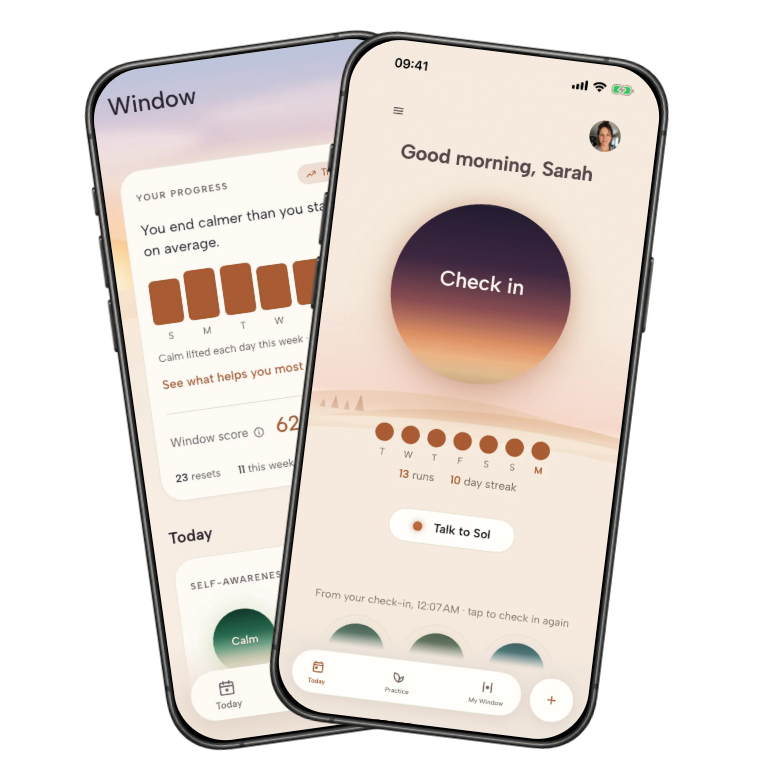
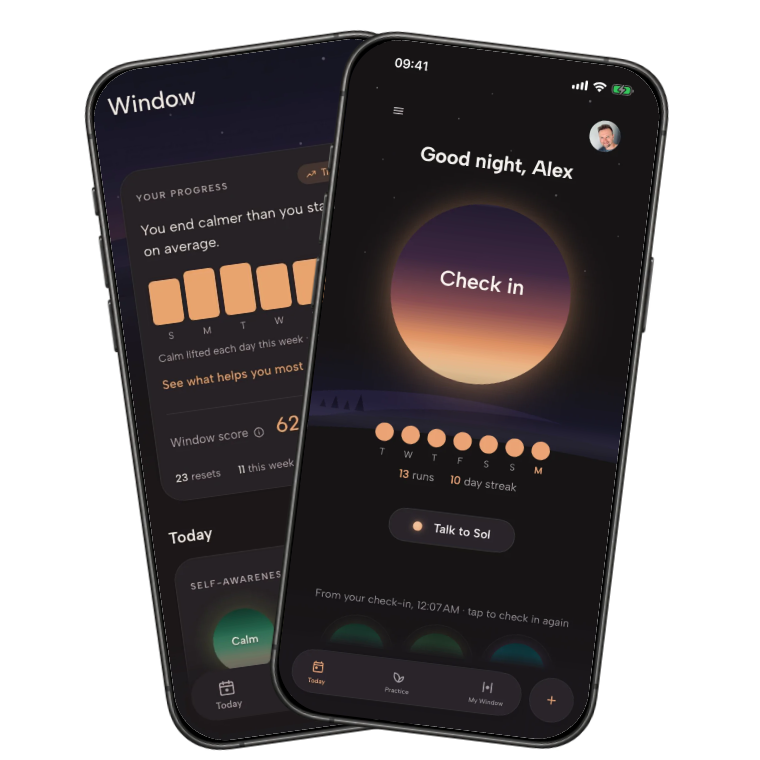
If you want help choosing what to do when you feel tense or drained, NerveWindow takes another approach. Its check-in leads to a short routine based on how you feel, so you don’t have to pick a teacher first.
FAQ
Which app suits meditation without a narrator?
Insight Timer. It offers a customizable timer where you choose intervals, bells, and ambient sounds.
Does this comparison cover Calm Sleep?
No. Calm Sleep is a separate app, and the Calm features described here belong to standard Calm.
Does more choice mean better results?
No. A bigger catalog can’t tell you which app will help, so choose recordings you understand and want to use.
Should I use both?
Only if each serves a separate purpose. Start with the activity you do most often.
Want a routine chosen for you?
NerveWindow starts with how you feel now and suggests a short practice. See the app and the $27 one-time offer.