 Alex Zah
If the overload extends beyond screens into noise, conversation, light, and ordinary decisions, see the broader signs of an overstimulated nervous system.
Digital overwhelm is easy to misread as a productivity problem. You open the screen, see too many signals, and immediately try to become more disciplined. That can work when you are inside your workable range. It rarely works when your system is already overloaded.
The screen is not only a place where work happens. It is also a stream of interruptions, decisions, social cues, unfinished loops, and micro-urgencies. For founders, solopreneurs, and high-achievers, that stream can become a nervous-system load before the actual task even begins.
What digital overwhelm feels like
Activated
Wired and reactive
You keep checking, refreshing, replying, or jumping tabs because everything feels a little urgent.
Low access
Foggy and stuck
You stare at the screen, know there is work to do, but cannot find the first useful move.
Narrowing
Task tunnel
You become absorbed in low-value loops because starting the real task feels too expensive.
Recovery debt
Always on
The workday ends, but the body still feels like it is waiting for the next notification.

Why screens can push the body state
Research on interruptions shows that disrupted work often returns with more speed and stress. That matters because the nervous system is built to respond to salience: a message, red badge, unresolved question, or sudden task switch can all behave like small demands.
One notification is rarely the issue. The pattern is the stack: many weak signals, no clean finish, and no clear boundary between work, social comparison, news, money, customers, and personal life.
A state-matched reset for digital overwhelm
- If you are wired: close the most stimulating input first. Put the phone face down, reduce tabs, slow your pace, and do one orienting pass through the room before deciding.
- If you are foggy: stand up, add light or movement, name three visible objects, then choose one action with a visible end: send, delete, write the first sentence, or make the list.
- If you are looping: define the container. Ten minutes, one document, one message, one decision. Open loops need edges before they need motivation.
- If you are depleted: stop asking the screen for recovery. Move away from the device, eat, walk, breathe gently, or speak to a real person before returning.
The smallest useful rule
Before you add a new app, system, or productivity method, remove one layer of input. Digital overwhelm often improves faster from subtraction than from another dashboard.
A useful rule is: one state check, one input boundary, one next action. That is enough to regain some agency without pretending the entire workload is solved.
How NerveWindow fits
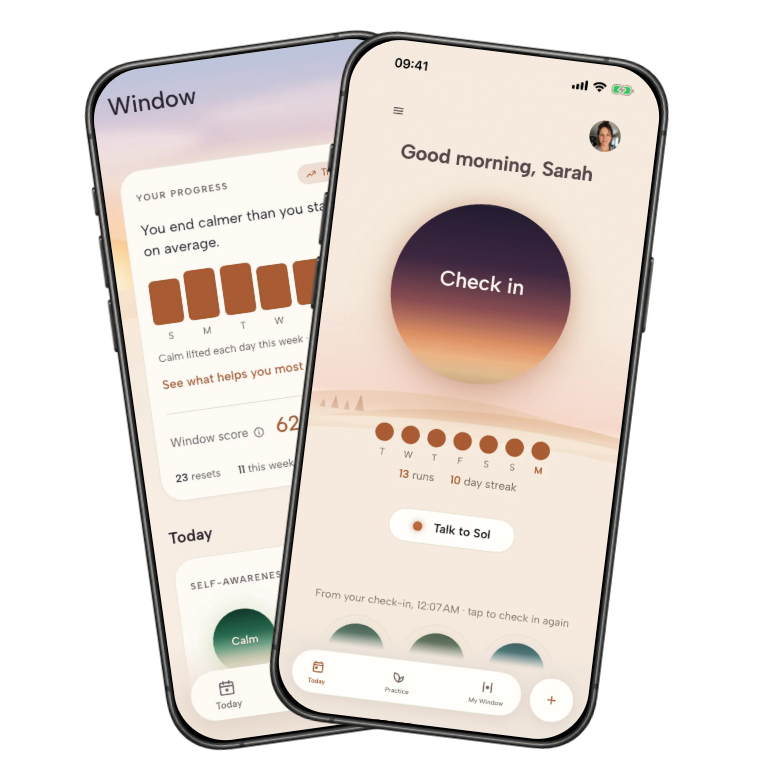
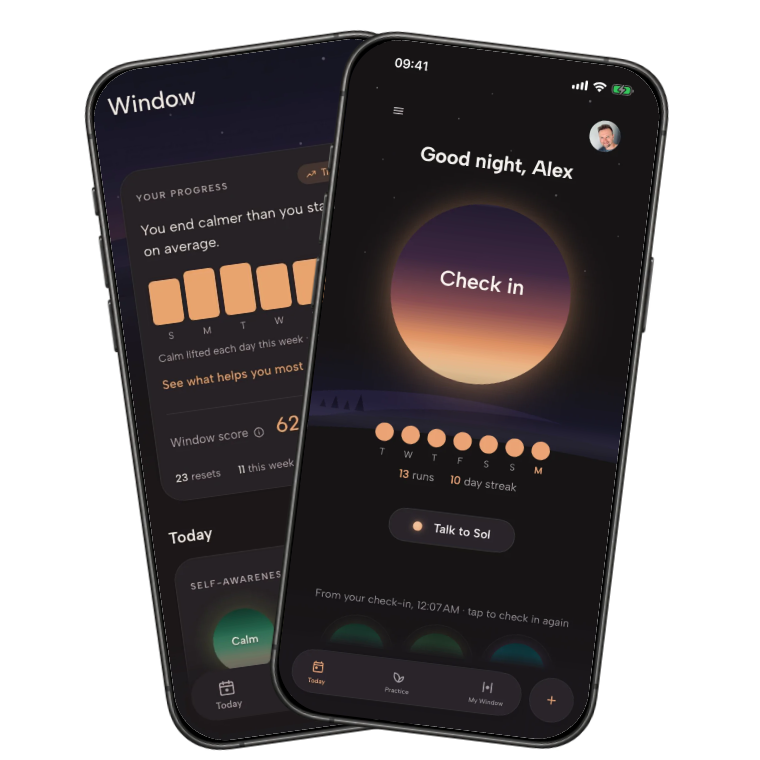
NerveWindow is built for the moment before you reach for another tab. It helps you check whether you are activated, foggy, overwhelmed, or workable, then offers a short routine that matches that state.
It is not anti-technology and it is not therapy. It is a small self-guided way to pause the input stream and choose the next move with more capacity.
The guide to stress management apps distinguishes tools for immediate action, mindfulness, tracking, habits, sleep, and breathing so the app does not become another layer of noise.
Related reading
FAQ
Is digital overwhelm the same as burnout?
No. Digital overwhelm can be a momentary input-load problem. Burnout is a broader pattern of chronic demand, depleted recovery, and reduced capacity. They can overlap, but they are not the same thing.
Should I just take a screen break?
Sometimes. If you are activated or depleted, stepping away can help. If you are foggy, you may also need a tiny re-entry action so the task does not become more threatening when you return.
Can a nervous system app help with digital stress?
It can help structure a short pause, state check, and reset. It cannot remove the workload or replace clinical support when stress is severe or unsafe.
What is the fastest first step?
Reduce one input, orient to the room, then choose one next action with a clear finish.
NerveWindow helps you check your state and choose a short matched routine. $27 lifetime. 30-day refund.