 Alex Zah

You make a morning plan, then forget it by breakfast. Fabulous gives recurring tasks a place in your day. Here is what to check before paying.
Is Fabulous free?
Yes. Its help center says the Standard Free Version includes selected habit programs, challenges and guided activities for ongoing use. Premium adds full access (checked October 31, 2026).

How much does Fabulous cost in 2026?

| Plan | Price | Trial | Checked date |
|---|---|---|---|
| Standard Free Version | No payment | No paid trial needed | October 31, 2026 |
| Annual: US App Store | $49.99/year | Length shown at checkout | October 31, 2026 |
| Premium Quarterly: US App Store | $39.99/quarter | Length shown at checkout | October 31, 2026 |
These are named US App Store plans, not a universal web quote. The terms put your trial duration and renewal price at checkout and in your confirmation email. No single trial length is promised.
A separate Pro web subscription also exists (checked October 31, 2026).
How to cancel Fabulous
On iOS: Settings > your name > Subscriptions > Fabulous > Cancel Subscription. On Android: Google Play > profile > Payments & subscriptions > Subscriptions > Fabulous > Cancel. For web billing: sign in at app.thefabulous.co > choose the app > Membership Plans > Cancel Plan. Finish confirmation and check for an Expiry Date (checked October 31, 2026).
Deleting the app does not cancel a paid subscription.
What do users complain about?
Some visible Google Play reviewers say paid offers crowd the app, trial charges surprised them, or free access was hard to find. These September 2026 examples were checked October 31, 2026. The help center still describes a free version. Check your own access and checkout before agreeing to pay.
Is Fabulous worth it?
Fabulous may be worth paying for if its coaching and routine order help you follow through on tasks you choose. Start with one habit. If a phone reminder does the job, keep that. NerveWindow fits a different need: choosing a short practice from how you feel now.
Refunds: ask Apple or Google for store purchases. For web purchases, use Fabulous’s refund request form. Its terms say most payments are non-refundable, apart from required rights and eligible introductory or setup fees on request. A request does not guarantee a refund (checked October 31, 2026).
Compare the formats in our NerveWindow, Calm and Headspace comparison.
Store snapshot, checked October 31, 2026: US App Store 4.4/5 from 89K ratings; US Google Play header 3.8/5 from 590K reviews. Counts are rounded as displayed. A high score does not tell you whether the format fits you.
About this review
Based on the official descriptions linked below, checked October 16, 2026.
What Fabulous helps you organize
Fabulous groups habits into morning, afternoon, and evening routines, and its mobile app also has a coaching library. That makes it worth a look when you want a familiar order for everyday tasks.

Say you want to pack your bag after dinner. A routine gives that task a place. The useful question is whether you need a reminder or help deciding what comes next.
The US App Store listing also includes a to-do list, journaling, short workouts, breathing exercises, and guided meditation. You can keep several everyday activities together, although you can start with the checklist alone.
Someone who wants a bag packed before leaving home has a clear reason to use the routine. Someone who already remembers everything but dislikes their crowded schedule needs to remove a commitment before adding reminders.
Start with the task you actually forget
Pick one action before you build a long routine, and make it small enough to finish. “Put my keys beside my bag” is clearer than “get organized.” Add another step only when you need one.

Try linking the action to something you already do. Our morning routine guide has more ideas. On busy days, keep the useful part: preparing tomorrow’s essentials can be enough without tidying the whole room.
Make the checklist follow your actual order
The habit editing guide explains how to add a custom action from a routine’s plus button. You can also change its name and duration, then drag habits into the order you want.
For example, put checking tomorrow’s appointment before packing your bag. That order tells you what to pack, and it avoids a checklist that sends you back to an earlier task.
Custom habits become available after several days, according to the help page. Free accounts also have a habit limit, so a new installation may show fewer controls than the full guide describes.
A duration is optional in the documented controls. Leave it off for something quick, such as putting your keys away, if watching a timer would add work without helping you finish.
To rename an existing custom habit, open the routine’s three-dot menu, choose Reorder and Remove Habits, then use the habit’s own menu to reach Edit Habit. Save with Done after changing the wording.
That is useful when a vague item stops helping. Replace “prepare for tomorrow” with the part you forget, such as “put the signed form in the school bag.”
Set days you can realistically use
The routine settings guide places the time and active weekdays under Edit Alarm. Inactive days do not break a streak, so weekday routines can leave weekends clear.
If you work changing shifts, review the reminder when your roster arrives. A morning routine named for waking up can still be useful, but a fixed alarm needs to match when you are awake.
Edit Alarm also lets you rename the routine itself. “Before the school run” may be easier to recognize than a broad morning label when several people share responsibility for getting ready.
Custom routines use the home screen’s upper plus button. Like custom habits, this control appears after a few days, so its absence immediately after installation does not mean you missed the menu.
Decide whether you want coaching too
Fabulous may suit you if you like guidance alongside a checklist. Read its public examples first, and notice whether the language makes your next action clearer. Encouragement helps only when you want to hear it.
You don’t need to collect routines. Choose one you can use on an ordinary day, including a hard one.
The website describes short, on-demand audio coaching, while the store lists coaching grouped by topic. Choose a topic attached to something you want to do, such as beginning a work session.
Listen when you have enough attention to hear the instruction. Playing coaching while answering messages can leave you with another finished recording and the same unfinished task.
A useful first-week question is whether the guidance changes your next action. Keep the recordings you return to, and leave the rest of the library for when you have a reason to use it.
When another format fits better
Finch gives a virtual bird energy when you complete goals. Consider that if caring for a character appeals to you more than listening to coaching.

Daylio records moods and activities, so it answers a different question: what happened during your week?
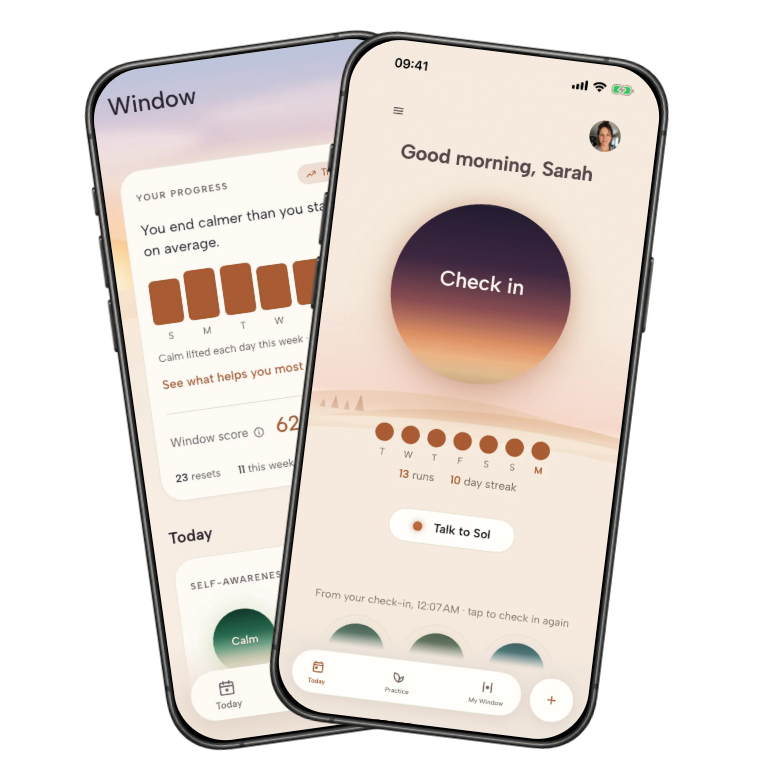
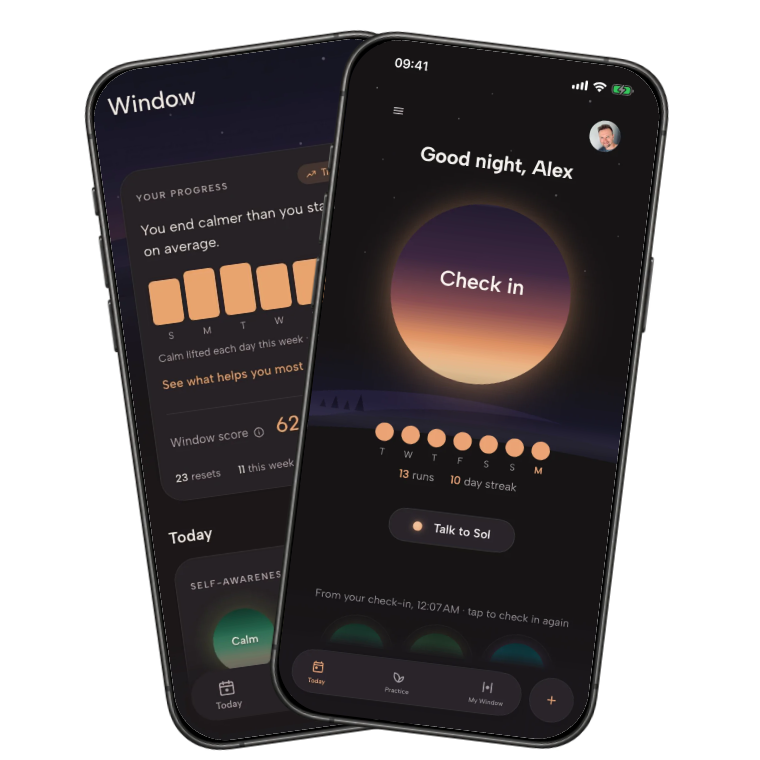
If you know what to do but feel too tense to begin, try NerveWindow’s short, guided routines. It starts with how you feel now, which can fit better than adding another task to your list.
Finch suits the reader who wants a small companion to check on after completing a goal. Fabulous gives more space to organizing the sequence itself, so compare the activity you want to repeat rather than the artwork.
Daylio can record the mood and activities around a difficult morning. That record helps you look back, while a Fabulous routine gives you a list to follow before leaving the house.
If your list is already settled, a plain note on your phone may be enough. Then the coaching is the main reason to pay for Fabulous.
Sources
- Fabulous free — checked October 31, 2026.
- Fabulous price — checked October 31, 2026.
- Fabulous free trial — checked October 31, 2026.
- Fabulous ios — checked October 31, 2026.
- Fabulous android — checked October 31, 2026.
- Fabulous web — checked October 31, 2026.
- Fabulous refund — checked October 31, 2026.
- Fabulous play — checked October 31, 2026.
- Fabulous nw — checked October 31, 2026.
Our recommendation
Choose Fabulous when you want to organize recurring actions and its coaching style suits you. Before you keep it, check whether opening the app leads you to the task. Editing the list again and again is a different activity.
When you can’t settle or start, NerveWindow is the closer fit, because it asks how you feel and gives you a short routine.
FAQ
Is Fabulous free?
Yes. Its help center says the Standard Free Version includes selected habit programs, challenges and guided activities for ongoing use. Premium adds full access (checked October 31, 2026).
How much is Fabulous per year?
The US App Store lists Fabulous Annual Subscription at $49.99 per year and Premium Quarterly at $39.99 per quarter (checked October 31, 2026). Other offers can differ; check the billing period and renewal total.
Does Fabulous have a free trial?
Fabulous may offer a free trial. Its current terms say the length is shown at checkout and in your confirmation email. Cancel at least 24 hours before it ends to avoid a charge (checked October 31, 2026).
How do I cancel Fabulous?
On iOS: Settings > your name > Subscriptions > Fabulous > Cancel Subscription. On Android: Google Play > profile > Payments & subscriptions > Subscriptions > Fabulous > Cancel. For web billing: sign in at app.thefabulous.co > choose the app > Membership Plans > Cancel Plan. Finish confirmation and check for an Expiry Date (checked October 31, 2026).
Is Fabulous worth it?
Fabulous may be worth paying for if its coaching and routine order help you follow through on tasks you choose. Start with one habit. If a phone reminder does the job, keep that. NerveWindow fits a different need: choosing a short practice from how you feel now.
Does the Fabulous app work?
It provides routines, reminders and coaching. Those features can help organize actions, but they do not promise that you will keep a habit. Try one small routine and judge whether it makes your next task easier. This review uses official descriptions, not a personal outcome test.
Was Fabulous tested for this review?
No. This is a comparison of official product descriptions, published plans and visible store feedback. We did not run a personal trial or measure outcomes. NerveWindow is the app behind this site.
Know what to do, but can’t start?
NerveWindow asks how you feel and gives you a short routine to follow. See what you get for $27 once (checked October 31, 2026).