 Alex Zah
Finch turns small daily goals into care for a virtual bird. Start with the free version before deciding whether the extras matter.
Is Finch free?
Yes. Caring for your bird, setting goals, reflections, friend messages and seasonal events are free. Plus adds more choices and rewards (checked October 31, 2026).
How much does Finch cost in 2026?

| Plan | Price | Trial | Checked date |
|---|---|---|---|
| Core self-care | Free | No paid trial needed | October 31, 2026 |
| Plus yearly | $69.99 USD/year | 7-day renewing trial, if eligible | October 31, 2026 |
| Plus monthly | $9.99 USD/month | Check offer | October 31, 2026 |
| Plus preview | Free for 3 days | Ends automatically | October 31, 2026 |
Plus adds more prompts, activity lengths, shop options and event rewards. It is optional. The three-day preview ends by itself; the seven-day trial needs cancellation to prevent billing.
A separate Pro web subscription also exists (checked October 31, 2026).
How to cancel Finch
On iOS: Settings > Apple ID > Subscriptions > Finch > Cancel Subscription. On Android: Google Play > Menu > Subscriptions > Finch > cancel. Use the store account that paid; Plus stays active until expiry. Finch documents store billing, with no separate web cancellation route (checked October 31, 2026).
Deleting the app does not cancel a paid subscription.
What do users complain about?
Some visible Google Play reviewers describe movie-themed events as too promotional. Others want more free event rewards or more ways to interact with their bird. These examples are dated March–September 2026 and were checked October 31, 2026. They do not represent every user.
Is Finch worth it?
Start free. Pay for Plus if the extra prompts, activity options and rewards make daily use more enjoyable and fit your budget. The free version already covers the main pet-and-goals loop. Choose a plain tracker if the game feels like extra work.
Compare the formats in our NerveWindow, Calm and Headspace comparison.
Store snapshot, checked October 31, 2026: US App Store 4.9/5 from 770K ratings; US Google Play header 4.9/5 from 636K reviews. Counts are rounded as displayed. A high score does not tell you whether the format fits you.
Finch is not simply a habit tracker with a cute layer. Its companion, adventures, goals, customization, quests, breathing exercises, reflections, and focus timers form one continuing self-care loop. For many people, that emotional connection is the reason the routine works.
Disclosure: this comparison includes NerveWindow, which I built. I recommend another product whenever it fits the stated job better.
How this review was checked
Product facts checked August 19, 2026. I reviewed each product's official site and current help or feature documentation. This is a source-based comparison, not a claim that I completed a long-term personal trial of every app.
I compared five practical things: the product's main job, what brings someone back, how much input it asks for, whether value appears now or after repetition, and what the product clearly does not do.

Apps like Finch: 5 alternatives by what you need
Choose Daylio for mood tracking, Fabulous for routines, Stoic for journaling, Medito for free meditation or NerveWindow for one short practice now. Finch remains the better pick if you want the bird and daily rewards.
| Your main job | Best fit | Why it fits | Main limit |
|---|---|---|---|
| Make daily self-care easier to return to | Finch | A virtual companion, goals, quests, rewards, and wellness activities create continuity. | The playful system can feel like extra activity when you want one neutral action. |
| Track mood with little writing | Daylio | Quick mood and activity entries become charts, correlations, goals, and a visual history. | Tracking tells you what repeats; it may not tell you what to do in this moment. |
| Build a structured daily routine | Fabulous | Routines, multiweek programs, challenges, and coaching organize habits over time. | A program asks for ongoing participation rather than one situational response. |
| Journal and reflect | Stoic | Prompts, guided journals, mood tracking, reflections, breathing, and meditations support a writing practice. | More reflection is not always useful when the next need is physical or immediate. |
| Choose a short practice now | NerveWindow | A plain-language check-in routes the current signal to a short guided practice. | It is not a companion, mood diary, habit system, or long-form journal. |

Finch: best for gamified daily self-care
Finch gives self-care a relationship and a visible loop. Completing goals gives the companion energy for an adventure. Stories, discoveries, customization, and quests make the return feel more like caring for something than checking a sterile task list.

Its official guide also lists breathing exercises, reflections, focus timers, and other wellness activities. That matters because Finch should not be described as only a pet or only a habit tracker.
Best for: someone who responds to warmth, continuity, small wins, and playful rewards. Not the best fit: someone who wants a neutral interface with the fewest possible decisions before one action.
Daylio: best for quick mood and activity tracking
Daylio centers on a two-tap mood and activity entry. With repeated use, those entries become statistics, charts, correlations, goals, streaks, and a visual calendar. Notes, photos, and voice memos can add detail, but the basic check-in can stay brief.
Best for: seeing what tends to happen alongside different moods. Limit: a pattern tracker becomes useful through repeated data, and correlation does not prove that one activity caused a mood change.
Fabulous: best for routines and guided programs
Fabulous is built around routines and programs. Its official help center describes morning, afternoon, and evening routines, multiweek programs, shorter challenges, coaching sessions, guided activities, and community circles.
Best for: someone who wants a structured path for building habits over days or weeks. Limit: a routine system is a different job from helping with a sudden tense, foggy, restless, or shut-down moment.
Stoic: best for journaling and reflection
Stoic combines daily prompts, guided journals, morning and evening reflections, mood tracking, reminders, meditations, breathing exercises, quotes, and progress features. Its center of gravity is reflection, even though it includes several other tools.
Best for: someone who thinks more clearly through writing and wants a continuing record. Limit: journaling adds words and interpretation, which can be the wrong direction when you already feel mentally overloaded.
NerveWindow: best for one matched practice now
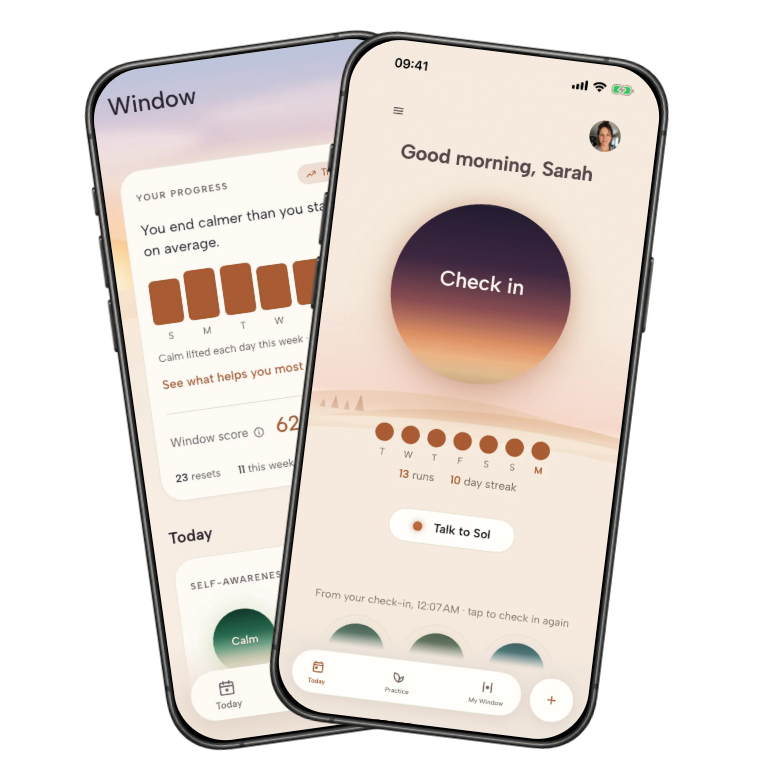
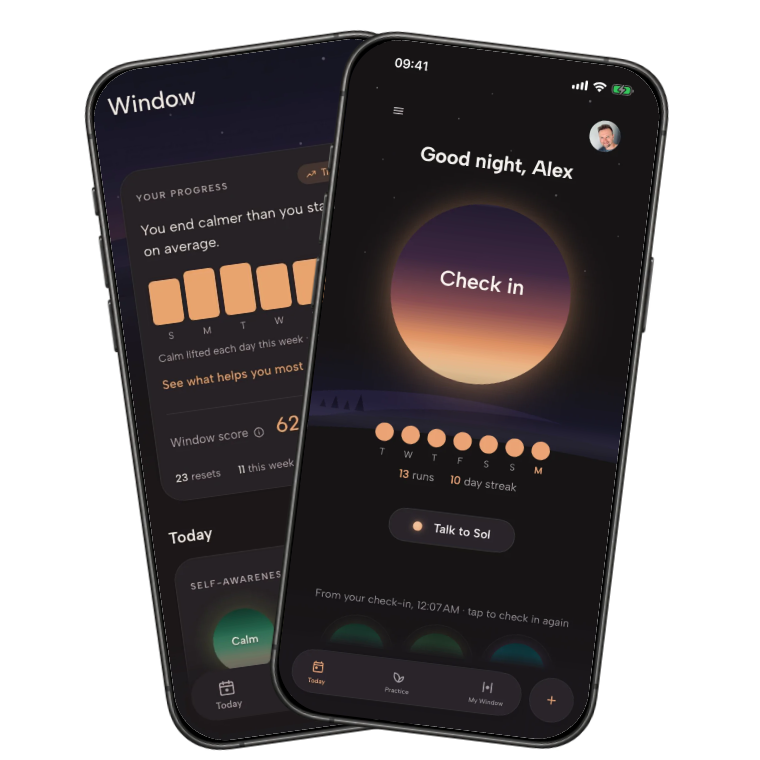
NerveWindow begins with a short plain-language check-in and routes that choice to a guided practice. The point is not to grow a companion, keep a mood history, or complete a curriculum. The point is to reduce the number of decisions between noticing a signal and trying one fitting action.
Best for: an immediate next practice when you feel tense, urgent, restless, foggy, or shut down. Limit: it does not replace the continuity, tracking, writing, or habit support that the other products provide.
See how NerveWindow chooses a short next practice.
Medito: best for free meditation
Medito offers guided meditations, sleep stories and courses without a paid tier (checked October 31, 2026). Choose it when the practice itself matters more than a companion or rewards.
Finch versus NerveWindow
The simplest difference is time horizon. Finch helps make self-care a relationship you return to. NerveWindow helps choose what to try in one current state. One builds continuity; the other narrows the next decision.

How to choose without downloading everything
- Name the job. Motivation, tracking, routine building, journaling, and immediate regulation are different needs.
- Choose the return mechanism. A companion, a chart, a program, a prompt, or a matched action should make sense to you on a difficult day.
- Notice how much input is realistic. A detailed app is only useful when its steps remain workable.
- Keep one primary product. Add another only when it performs a clearly different job.
Common questions
Is Finch free?
Yes. Caring for your bird, setting goals, reflections, friend messages and seasonal events are free. Plus adds more choices and rewards (checked October 31, 2026).
How much is Finch per year?
Finch Plus is $69.99 USD per year, or $9.99 USD per month, according to its official pricing help page (checked October 31, 2026). Core self-care remains free.
Does Finch have a free trial?
Finch documents a three-day Plus trial that ends automatically and a seven-day trial that becomes a paid subscription unless you cancel. Check which one you have (checked October 31, 2026).
How do I cancel Finch?
On iOS: Settings > Apple ID > Subscriptions > Finch > Cancel Subscription. On Android: Google Play > Menu > Subscriptions > Finch > cancel. Use the store account that paid; Plus stays active until expiry. Finch documents store billing, with no separate web cancellation route (checked October 31, 2026).
Is Finch worth it?
Start free. Pay for Plus if the extra prompts, activity options and rewards make daily use more enjoyable and fit your budget. The free version already covers the main pet-and-goals loop. Choose a plain tracker if the game feels like extra work.
What apps are like Finch?
Daylio for quick mood tracking, Fabulous for structured routines, Stoic for journaling, Medito for free meditation and NerveWindow for a short practice based on a check-in. Stay with Finch if the virtual bird and rewards keep you coming back.
Was Finch tested for this review?
No. This is a comparison of official product descriptions, published plans and visible store feedback. We did not run a personal trial or measure outcomes. NerveWindow is the app behind this site.
If you mainly need one useful next action, NerveWindow gives you a short check-in and a matched practice.
Sources
- Finch New User Guide, including goals, adventures, customization, wellness activities, and quests.
- Finch goal documentation.
- Daylio official product and feature documentation.
- Fabulous official workflow documentation.
- Stoic official feature documentation.
- NerveWindow official workflow.
- Finch medito — checked October 31, 2026.
- Finch free — checked October 31, 2026.
- Finch price — checked October 31, 2026.
- Finch free trial — checked October 31, 2026.
- Finch cancel — checked October 31, 2026.
- Finch apple — checked October 31, 2026.
- Finch play — checked October 31, 2026.
- Finch nw — checked October 31, 2026.
Features, availability, access models, and privacy practices can change after the review date.