 Alex Zah
One work email can change the pace of your attention in seconds. You read a sharp line, an unexpected criticism, or a request with missing context. Your hands move toward Reply before you have decided what the message actually needs.
You do not have to answer from that first reaction. You also do not have to make yourself perfectly calm before you act.
The time is a practical pause, not a proven rule about how quickly a reaction should end. The goal is to create enough space for a sound next step.
If the whole inbox, the notifications, and constant switching are the problem, use the guide to the broader digital-overwhelm pattern. This page is about one upsetting work message and the decision that follows it.
First, check whether this is a safety or policy issue
Some emails should not be handled as ordinary communication stress. Do not pause for two minutes and then improvise a reply when a message includes:
- A threat, intimidation, stalking, or immediate danger.
- Harassment or discrimination.
- A suspicious link or attachment, an unexpected password request, or an unusual request for money or sensitive information.
- A safety incident, data exposure, fraud risk, or another time-critical operational event.
Preserve the original message and use the relevant workplace process. Depending on the situation, that may mean a manager, HR, security, IT, legal counsel, an incident lead, or local emergency services. Use known contact details rather than a phone number or link inside a suspicious message.
In the United States, the EEOC advises employees who believe they have been harassed at work to check their employer's policy and use its reporting options. Rules and reporting routes differ by country and workplace. OSHA's workplace-violence overview includes threats, intimidation, harassment, and other threatening behavior, and emphasizes workplace preparation and response procedures.
For a suspicious message, CISA advises people not to reply or click links or attachments, and to report it through an appropriate channel. Follow your organization's retention and reporting rules before deleting anything.
If immediate safety is at risk, use the emergency route first. The short sequence below is for ordinary work stress, not an emergency delay.

Why a short pause is useful
An upsetting email mixes at least two jobs: noticing your reaction and deciding what the message requires. Trying to do both inside the reply box can turn urgency into tone, copied recipients, unnecessary detail, or an answer to a question that was never asked.
Harvard Business Review's guidance on upsetting emails, written by business-communication specialist Elizabeth Danziger, starts with taking time rather than assuming an immediate reply is required.
Cleveland Clinic psychologist Kia-Rai M. Prewitt, PhD, similarly advises pausing before replying to a frustrating email. Her suggestions include leaving a response in Drafts to review later, asking a trusted colleague to read it, and requesting clarification when the message is unclear.
University of Michigan HR guidance also recommends taking a break before writing while emotionally charged. It suggests choosing another communication method when email is becoming a poor place for relationship conflict, a long exchange, or an immediate response.
None of these sources establishes a universal 60-second or 120-second reset. They support the simpler point: pause before a charged reply, then choose the communication method with care.
A 60-120 second sequence before you reply
Keep your eyes open and make every step comfortable. You can do the whole sequence at a desk.

0-10 seconds: stop the send path
Take your hands off the keyboard. Close the reply box or minimize the message. Do not delete the email. You are interrupting the action, not deciding that the message does not matter.
10-35 seconds: orient away from the message
Look at three fixed objects in the room. Notice the support of the floor, chair, or desk. Let your eyes move to something farther away than the screen.
35-80 seconds: choose one cue that fits
If you feel fast or angry: Keep breathing normally and let the exhale become slightly longer than the inhale for a few cycles, without forcing a count.
If you feel foggy or stuck: Stand if that is comfortable, press your feet into the floor, and move your shoulders once. Give the body a small signal of forward motion before asking for a polished answer.
If you feel overloaded: Close the inbox and write one neutral fact from the email on paper: the request, the deadline, or the missing information. One fact is enough.
The Associated Press has reported on short breathing practices at work, including expert guidance that one or two minutes of focused breathing may help calm racing thoughts and return attention to one task. Breathing remains optional and does not ensure a particular result. If breath focus feels uncomfortable or light-headed, return to normal breathing and use the eyes-open orientation or movement option instead.
80-120 seconds: choose the communication path
Write one label on paper or at the top of a private note: reply now, draft for later, ask for context, switch channels, or escalate.
You do not need the whole response yet. You need the right path.
If one or two minutes is not enough, use a longer seven-minute reset before reopening the message.
Decide what the email needs

Reply now when the facts are clear
Reply now when the request is clear, the stakes are ordinary, you have the needed facts, and you can answer in a few respectful sentences. You should be able to respond without defending your character, guessing at hidden meaning, or copying extra people for leverage.
A simple structure is:
Thanks. I understand you need [specific item] by [time]. I can [action], and I need [missing input] to complete it.
Read the reply once for facts, tone, recipients, attachments, and dates. Then send it or choose another path.
Draft for later when the reply is carrying the reaction
Draft for later when you are angry, embarrassed, frightened, blank, or writing a long defense. Draft outside the active reply window if an accidental send would create risk. Set a specific time to return instead of promising yourself that you will look later.
If the sender needs an acknowledgment before you can give a full answer, use:
I have your message. I want to review the details before I respond. I will come back to you by [time].
For a high-stakes response, a trusted colleague can check whether the facts, request, and tone are clear. Ask for a communication review, not reassurance that the sender is wrong.
Ask when the meaning is unclear
An email can sound sharp because it is brief. It can also be genuinely critical. Do not decide which one it is when the request, deadline, or owner is missing.
Ask one narrow question:
I want to make sure I understand. Are you asking for [specific action] by [time]?
Clarification is not avoidance. It keeps you from writing a complete answer to an assumption.
Switch channels when email is making the exchange worse
When it is safe and appropriate, consider a call or meeting when the chain is growing, relationship conflict is increasing, nuance is being lost, or a real-time answer is needed. Use a written follow-up afterward when decisions or responsibilities need a record.
If the email follows a spoken conflict and the immediate problem is still the argument, use the separate guide on how to calm down after an argument. That page owns conflict aftermath; this one owns the inbox-to-decision moment.
Escalate when the message exceeds your role
Escalation is not a stronger version of Reply All. It means moving the message into the process built for it.
Use the appropriate channel when the email contains a threat, harassment, discrimination, suspected phishing, a request for credentials or money, sensitive data, a safety event, or a legal or operational issue you are not authorized to handle alone. Preserve the message, note what happened in factual language, and follow workplace procedure.
Regulate enough to make the handoff if time permits. Do not use self-regulation as a reason to delay a safety or incident response.
If you already sent the email
After sending a high-stakes message, uncertainty can pull you back to Sent, Refresh, and the recipient's status. Rereading can feel like work even when no new action is available.
Ask two questions:
- Is there a factual error or missing attachment that needs one concise correction?
- If not, when is the next reasonable time to check?

Choose the next check time and return to a task with a visible end. Cleveland Clinic's email guidance notes that a delayed response does not by itself mean something is wrong; other people also have deadlines, time away, and competing responsibilities.
If the checking becomes a wider repetitive loop, read about overthinking as a body-state loop. Keep the jobs separate: correct a real error once, or give uncertainty a container. You cannot control another person's response time.
Keep the problem in the right layer
A short pause can help with your next action. It cannot fix excessive workload, bullying, harassment, discrimination, retaliation, unclear authority, unsafe conditions, or a workplace that rewards constant availability.
When the same kind of email keeps creating the same problem, look beyond the individual message. The useful action may be a response-time agreement, clearer ownership, fewer copied recipients, a manager conversation, a documented boundary, or formal support through the organization.
The aim is not to become calm enough to accept every demand. It is to see the message clearly enough to answer, ask, defer, decline, or escalate.
Related next steps
FAQ
What should I do immediately after a stressful work email?
Stop typing, move the message out of view, orient to the room, and use one gentle cue that fits how you feel. Then label the next path: reply now, draft for later, ask for context, switch channels, or escalate. If the email contains a threat, harassment, a suspicious link, or an urgent safety issue, use the relevant workplace process first.
How long should I wait before replying to an upsetting email?
There is no universal wait time. Use 60-120 seconds as a first pause, then wait longer if the facts are unclear, the stakes are high, or the reply still reads like a defense. If timing matters, acknowledge the message and state when you will return with a full response.
What can I say when I need more time to respond?
Keep it specific: "I have your message. I want to review the details before I respond. I will come back to you by [time]." Choose a time you can keep. A clear return point is more useful than silence or a rushed answer.
How do I stop overthinking after I send a work email?
Check whether there is one real correction to make. If there is, send it once and keep it factual. If there is not, choose the next reasonable check time and move to a task with a visible end. A delayed reply is not proof that something has gone wrong.
When should I escalate a work email instead of replying?
Escalate through the appropriate workplace channel when a message contains a threat, harassment, discrimination, suspected phishing, an unexpected request for credentials or money, sensitive data, a safety incident, or a time-critical issue outside your authority. Preserve the original and follow local workplace procedure.
How NerveWindow fits
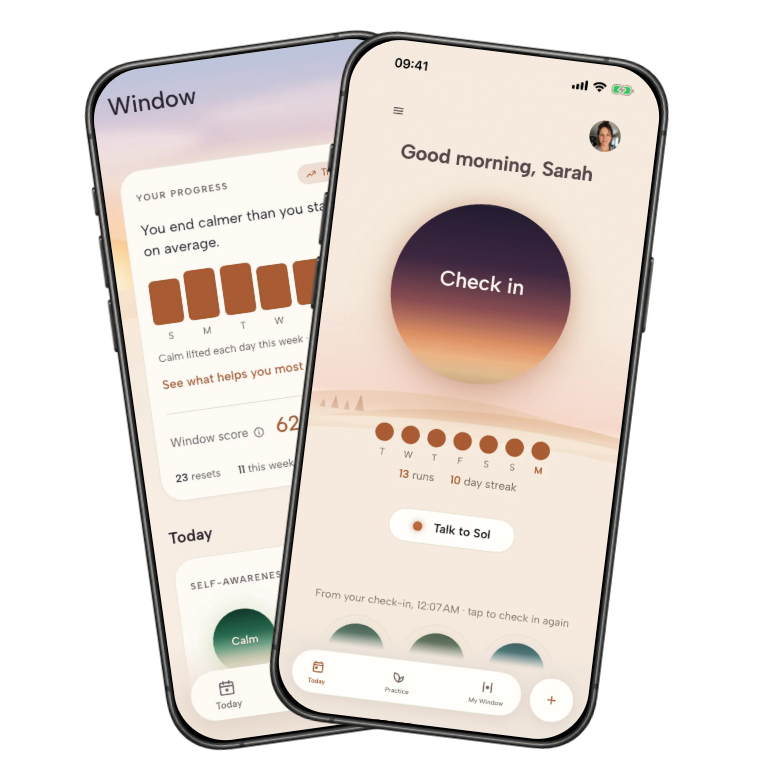
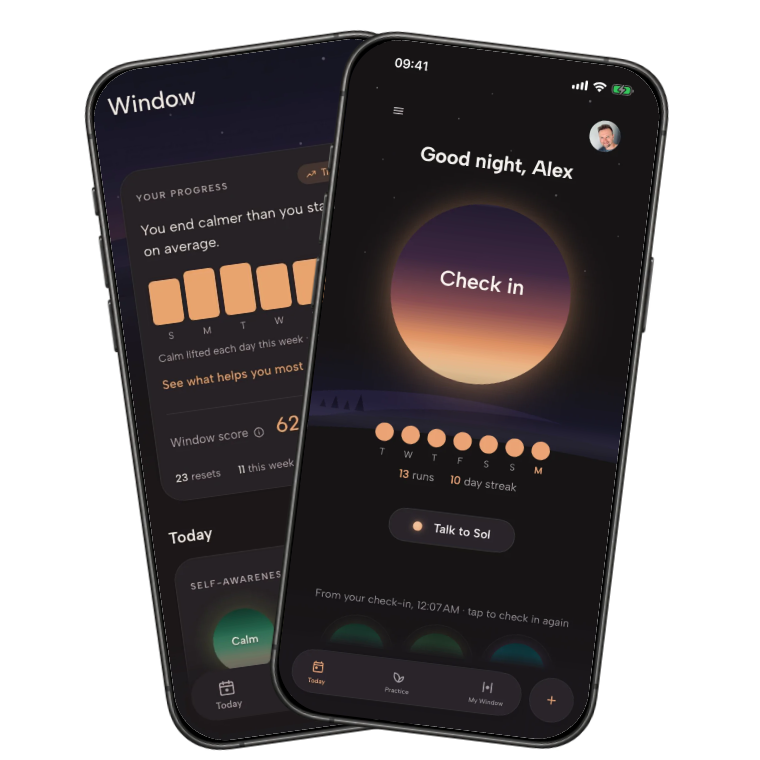
NerveWindow helps you check whether you feel fast, foggy, overloaded, or workable, then choose a short routine that fits before your next action. It cannot fix a harmful email, an unsafe workplace, or an unworkable workload.
Short takeaway
Pause the reply path. Orient to the room. Choose one cue that fits. Then decide whether the message needs an answer now, time, context, a different channel, or a workplace process.
The goal is not perfect calm. It is a clearer next action.