 Alex Zah
Generic productivity tools fail because they assume the same human shows up every day. But the person opening the task list at 9 a.m. after good sleep is not the same state as the person opening it after conflict, travel, burnout, or a week of bad sleep.
The tool may be fine. The mismatch is the problem.
The hidden assumption
Most productivity tools assume that clarity is available. They give you lists, calendars, boards, timers, and dashboards. Those are useful when you can choose and execute.
When the nervous system is overloaded, the problem may be earlier than task management. You may need downshifting, activation, fewer choices, or a smaller first move.

Where generic tools break
What works better
Keep the productivity system, but add a state layer. Before choosing a tool, ask: am I clear, wired, flat, overloaded, or avoidant? Then pick the smallest next action that fits.
Clear state: prioritize. Wired state: reduce input before deciding. Flat state: use tiny activation. Overloaded state: remove options. Avoidant state: make the first action concrete and short.
Where willpower fits
Willpower is not useless. Sometimes you choose the harder action. But it works better after you reduce the mismatch between the task, your current state, and the environment around you.
Research on ego depletion is mixed, so it is safer not to treat self-control as one fixed fuel tank. A practical rule is simpler: reduce unnecessary friction, hide extra choices, and make the first action obvious before demanding more discipline.
How NerveWindow fits
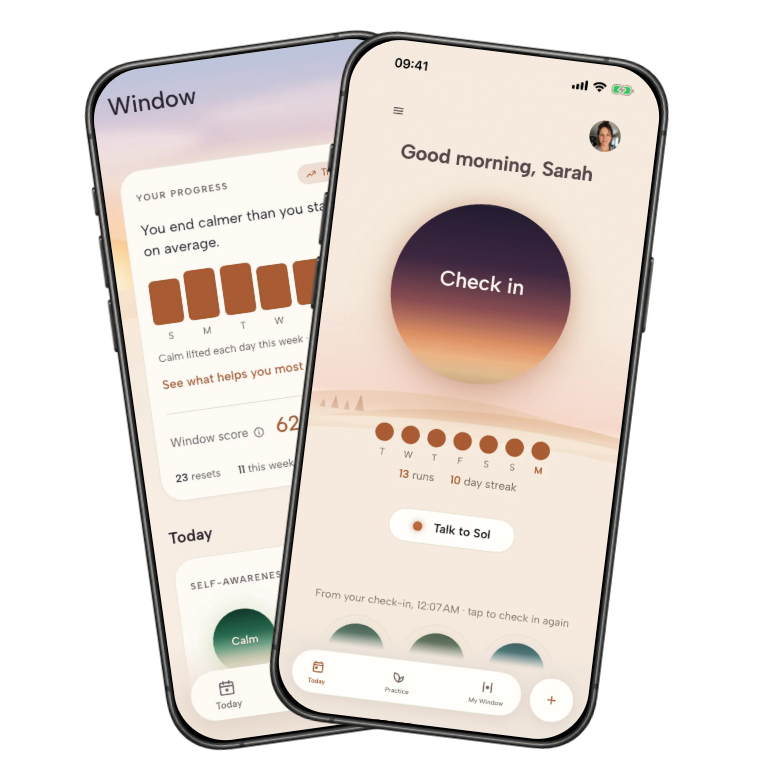
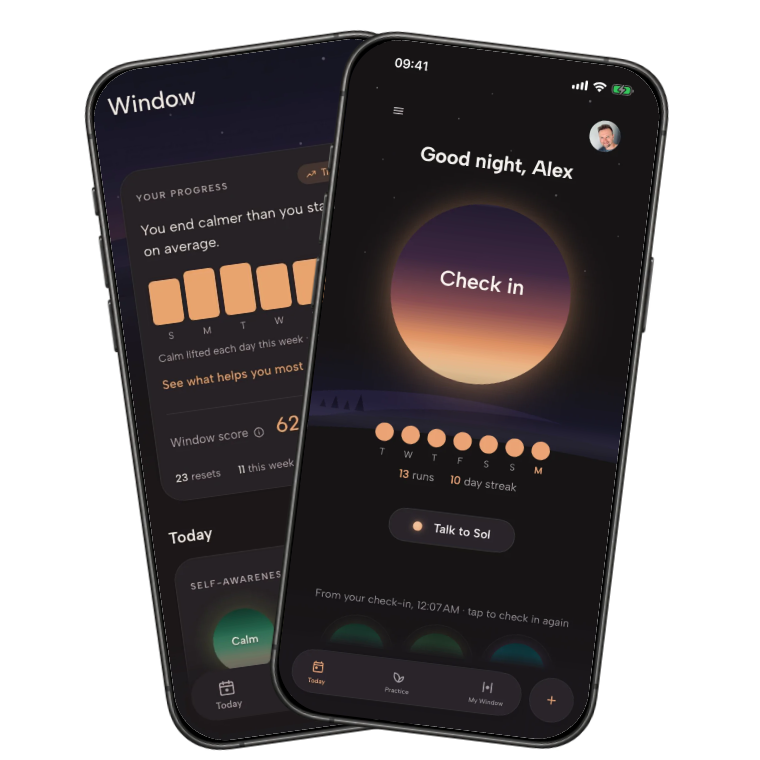
NerveWindow is not another giant task manager. It is the missing state check before the task manager. It helps you regulate enough to use the tools you already have.
The guide to burnout recovery apps shows where a task manager helps, where it can add pressure, and when another kind of support fits better.
Safety note
This is a productivity and self-regulation lens. It is not medical advice, ADHD care, therapy, or burnout care. Use qualified support when symptoms are persistent, severe, or unsafe.
FAQ
Should I stop using my productivity app?
No. Keep what works. Add a state check so the tool fits the moment instead of becoming another pressure source.
Why do lists make me freeze?
A long list can create too many choices when you are already overloaded. Try hiding most options and choosing one visible next step.
What is state-matched productivity?
It means changing the next action based on your current body and attention state, not only the task priority.
Is this just motivation?
No. Motivation matters, but stress state, recovery, sleep, and cognitive load can strongly affect what is possible.
Short takeaway
Productivity works better when it starts with the person, not just the list. Match the tool to the state.
NerveWindow adds the state layer your task app is missing. $27 lifetime.