 Alex Zah

Overthinking looks like a thinking problem because the content is loud. You replay the conversation, imagine outcomes, compare options, or try to solve something that refuses to settle.
But the loop often continues because the body is still in a state of activation, uncertainty, or depleted capacity. The brain keeps producing analysis because analysis feels like the available route to safety.
Body cues under overthinking
Activation
Urgent thinking
Fast thoughts, shallow breath, jaw tension, chest pressure, and a sense that you must solve it now.
Low recovery
Sticky thinking
The same thought repeats because the body is tired, under-resourced, or unable to metabolize more input.
Threat scan
Future loops
The mind tries to prevent embarrassment, rejection, loss, or failure by simulating every possible path.
Ambiguity
No finish line
Open loops keep asking for certainty when the real next step is a boundary, decision, or pause.

Why more thinking does not always help
Reasoning is useful when you have enough capacity to compare options. It is less useful when the nervous system is treating uncertainty as danger. In that state, each new thought can become another signal to evaluate.
This is why some overthinking improves with a body-first step: orienting, naming emotion, slowing input, moving, or making one concrete decision.
If you are choosing software, the comparison of apps for overthinking separates thought-reframing tools from meditation, conversational reflection, and body-state support.
For adults with ADHD, racing or sticky thoughts can also overlap with task demands, sleep, and executive-function load. The careful ADHD regulation guide explains that distinction.
A state-first overthinking reset
- Name the loop: "I am overthinking the meeting," or "I am trying to solve uncertainty."
- Find the body cue: jaw, chest, stomach, hands, eyes, breath, shoulders, or restlessness.
- Reduce input: close the tab, stop rereading, put the phone away, or leave the argument thread.
- Choose the next container: write the decision, ask the question, schedule the worry, or take one grounding step.
When journaling helps and when it does not
Journaling helps when it turns a vague loop into a named pattern, a decision, or a next action. It can backfire when it becomes another hour of analysis without a body shift or finish line.
Try writing only three lines: what is the loop, what is the body cue, and what is the next smallest action or boundary?
Useful question: "What state is this thought trying to solve?" If the answer is fear, shame, urgency, fatigue, or uncertainty, start with the state before asking for more logic.
How NerveWindow fits
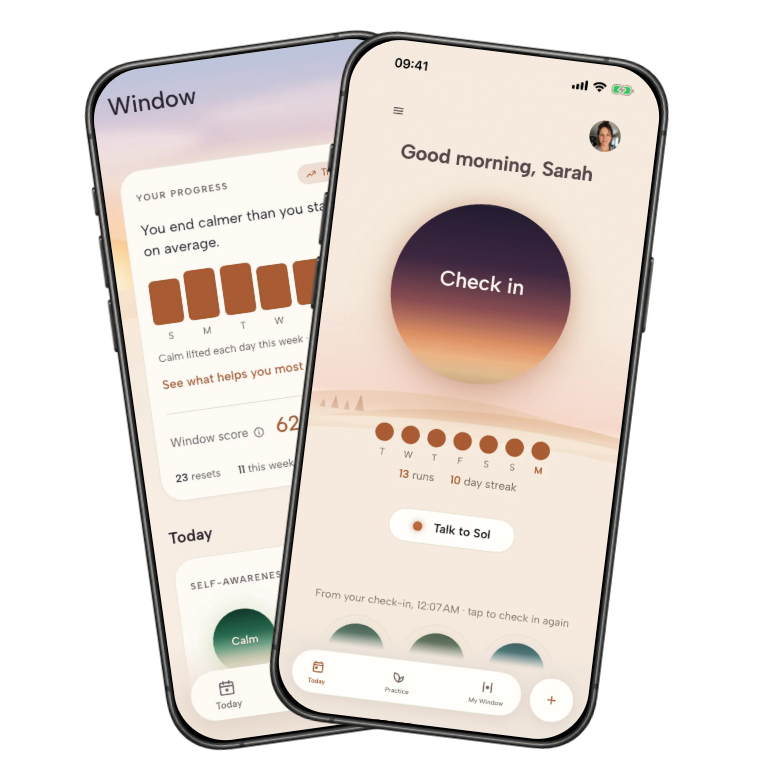
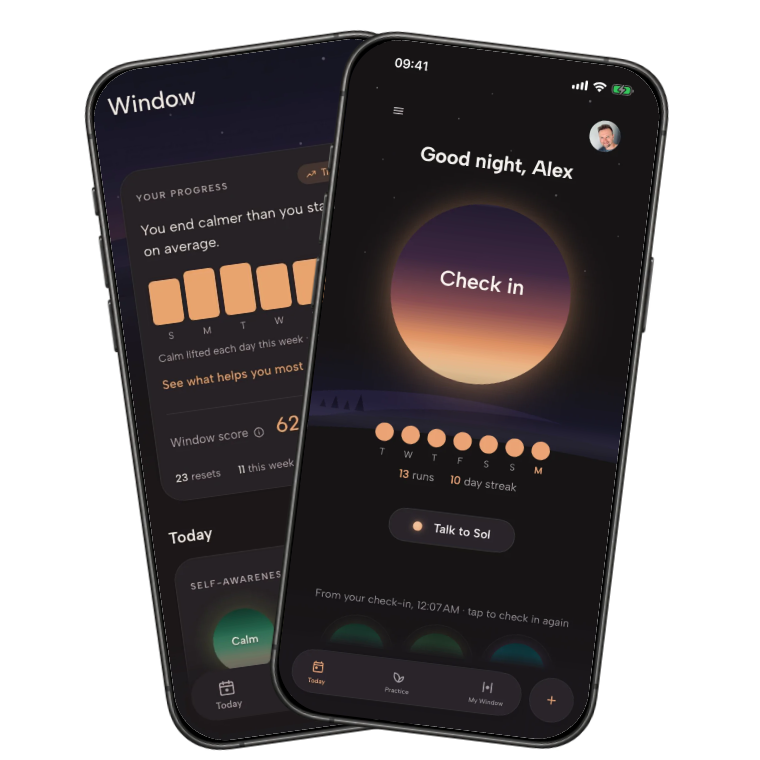
NerveWindow helps you pause the thought content and check the state underneath. If the body is activated, it offers a short downshift. If the system is foggy, it offers gentle signal. If you are workable, it can move you toward a small action.
Related reading
FAQ
Is overthinking always anxiety?
No. Overthinking can come from uncertainty, pressure, perfectionism, fatigue, conflict, or habit. This article does not diagnose anxiety.
Why does my body matter if the problem is mental?
Body cues can show whether you have enough capacity to think clearly. If the state is activated or depleted, more analysis may repeat the loop instead of resolving it.
What is the fastest overthinking reset?
Name the loop, locate one body cue, reduce one input, and choose a small next action or boundary.
Can NerveWindow replace therapy for overthinking?
No. It is a self-guided regulation tool. If overthinking is severe, unsafe, trauma-linked, or impairing, use qualified support.
NerveWindow helps you check your state and choose a short matched routine. $27 lifetime. 30-day refund.