 Alex Zah
This is an official-source evaluation, not a firsthand app test and not a verdict on outcomes. SomaShare's website, FAQ, policies, and US Apple and Google storefront pages were checked on August 25, 2026. The clearest decision factors are content model, account use, premium terms, community participation, offline access, and privacy disclosures.
There is also a conflict to disclose: I created NerveWindow. The comparison therefore separates SomaShare's statements, storefront facts, policy language, NerveWindow product facts, and editorial inference.
Method and evidence limits
I compared the public job of each product, platform access, free and paid boundaries, account features, cancellation and deletion routes, privacy disclosures, and the amount of choice a user manages. I did not score personal outcomes, use ratings as evidence of effectiveness, or assume a vendor claim proves a result.
- Official vendor statementsWhat SomaShare says its library, community, free tier, and Premium tier include.
- Storefront factsCurrent platform availability, listed price, update date, age rating, and developer privacy declarations.
- NerveWindow factsCurrent account-gated browser/PWA access and verified exercise inventories.
- Editorial inferenceWhich product structure appears to fit a particular job, with limits stated.
What SomaShare currently offers
SomaShare's official site describes a free app with more than 200 practices from more than 80 practitioners. Its FAQ lists breathwork, yoga nidra, grounding, body scans, song and dance practices, partner meditations, and other body-based formats. The site also presents a community space where account holders can share and see updates.

The FAQ says an account is not required for basic use. Creating one unlocks the community tab, history, favorites, and other account features. That makes the free tier more flexible than an account-first product, while the tracking and community features still depend on an account.
- Free accessBasic use without an account, according to the official FAQ.
- Premium accessOne-week trial, then $59.99 per year on the US-facing FAQ and Apple listing.
- PlatformsCurrent native iPhone and Android listings; both show a December 10, 2025 update.

Free tier, Premium, and offline access
SomaShare's FAQ describes the free app as the starting point and Premium as an optional annual upgrade. Premium adds more advanced practices and mini-courses. The FAQ also says Premium practices can be downloaded for offline listening; it does not make the same offline promise for the full free library.
For the United States, the FAQ says the first week is free and the subscription then costs $59.99 per year. Apple's US listing displays the same $59.99 in-app purchase. Storefront price, tax, currency, and offer terms can vary, so the amount shown in your own Apple or Google purchase screen should govern the decision.
Cancellation and account deletion
The official FAQ says Premium can be managed from the app's menu under Account and Manage Premium Subscription. That route opens the Apple App Store or Google Play subscription controls. Cancelling a subscription and deleting an account are separate actions.

For account deletion, the FAQ gives an in-app route under Account and Permanently Delete My Account. It says confirmation deletes the account and associated data such as community updates and practice-status tracking. The privacy policy also offers an email route for access, correction, or deletion requests, while noting that some information can be deleted only with the account.
Community and tracking features
SomaShare's community is a meaningful difference, not a decorative add-on. The official materials describe sharing progress and feelings, and the terms include rules for user-generated content. Someone who wants peer visibility may value that. Someone who wants a more private, single-user flow may prefer to use SomaShare without an account or choose a product without a community feed.
History, favorites, community updates, and practice status are account-linked features according to the FAQ. Their usefulness comes with more information tied to an identity than account-optional browsing alone. The public sources do not provide enough detail to judge how those features feel in daily use because no account was created for this review.
Privacy details worth reading
SomaShare's privacy policy is dated April 21, 2023. It describes log and device data, name and email, correspondence, transactions, platform search queries, service-provider disclosure, advertising-related providers, and choices for some promotional uses. It says personal information is not sold to nonaffiliated third parties, while also describing several forms of disclosure and advertising use. Read the full policy rather than treating the short assurance as the whole data picture.
The store panels add more current developer declarations. Apple says data linked to identity may include coarse location, name, email address, messages, photos, and videos for app functionality. Google Play says the app may collect personal information, messages, and two other categories; it also displays developer statements that data is encrypted in transit and deletion can be requested. Apple and Google both note that these privacy details are supplied by the developer.
The age-language mismatch
The published age boundaries do not line up cleanly. The privacy policy says the platforms are not intended for children under 13. The terms say the platforms are offered to people 16 or older in the United States, or people who have reached the age of majority where they live. Apple's US storefront displays a 13+ age rating.
A storefront content rating is not the same as the service's eligibility terms. Anyone near those boundaries should read SomaShare's current terms directly; this review cannot reconcile the difference on the company's behalf.
Safety terms to read before use
SomaShare's own Terms of Use contain a broader safety notice than the storefront summaries. The company says the platform may not be appropriate in some heart, blood-pressure, eye, seizure, breathing, medication, recent-surgery, pregnancy, substance-dependency, trauma-history, or acute emotional circumstances. Its terms advise consulting an appropriate licensed professional when a listed circumstance or uncertainty applies.
The same terms say to use the platform only where full attention is safe, never in a moving vehicle, and to stop immediately if symptoms such as dizziness, chest pain, an irregular heartbeat, vision changes, muscle spasms, ringing in the ears, or increased emotional distress occur. These are SomaShare's vendor-stated legal terms, not independent safety findings from this review. Read the exact current list before using a practice.
SomaShare's clearest fit
Based on its public structure, SomaShare is the clearer fit when discovery and practitioner variety are part of what you want. It offers many practice formats, native mobile access, account-optional basic use, and community features for people who choose to sign in.
- You like browsing. The large library gives you many teachers, formats, and practice lengths to explore.
- You want a community option. An account adds community updates alongside history and favorites.
- You want to start free. The official FAQ says basic use does not require an account or Premium subscription.
- You need native mobile access. Current iPhone and Android storefront listings are available.
- You want offline premium audio. The FAQ specifically lists downloadable practices as a Premium feature.
Where the model may not fit
A large library can be useful and still create a choice problem. If the immediate job is to notice what feels workable and begin without browsing practitioners, formats, or community posts, SomaShare's breadth may be more than the moment needs. This is an inference from the product structure, not a firsthand usability finding.
SomaShare's website and storefront descriptions also use broad language about personal change and states such as stress, mood, and behavior. Those are SomaShare's statements. This review does not establish that the app produces those outcomes or that any listed practice is suitable for every person.
SomaShare vs NerveWindow

Core job
Browse a large practitioner-led library and optionally participate in community.
Narrow a selected current-state description to one short self-guided practice.
Access
Native iPhone and Android apps; basic use is account-optional according to the FAQ.
Account-gated browser/PWA access. It is not a public native iOS or Android app.
Choice model
Browse practices, practitioners, formats, favorites, and community activity.
Choose the description that feels closest, then receive a matched short practice.
Content depth
The official site says more than 200 practices from more than 80 practitioners.
Basic has 23 practice exercises; Pro adds 21 Pro exercises.
Community
An account adds a community tab, history, favorites, and practice tracking.
No comparable practitioner community or public sharing feed is claimed.
Payment model
Free tier plus optional annual Premium; US sources list a trial then $59.99 per year.
Account-gated access sold through the current NerveWindow offer page.
When NerveWindow is the better alternative
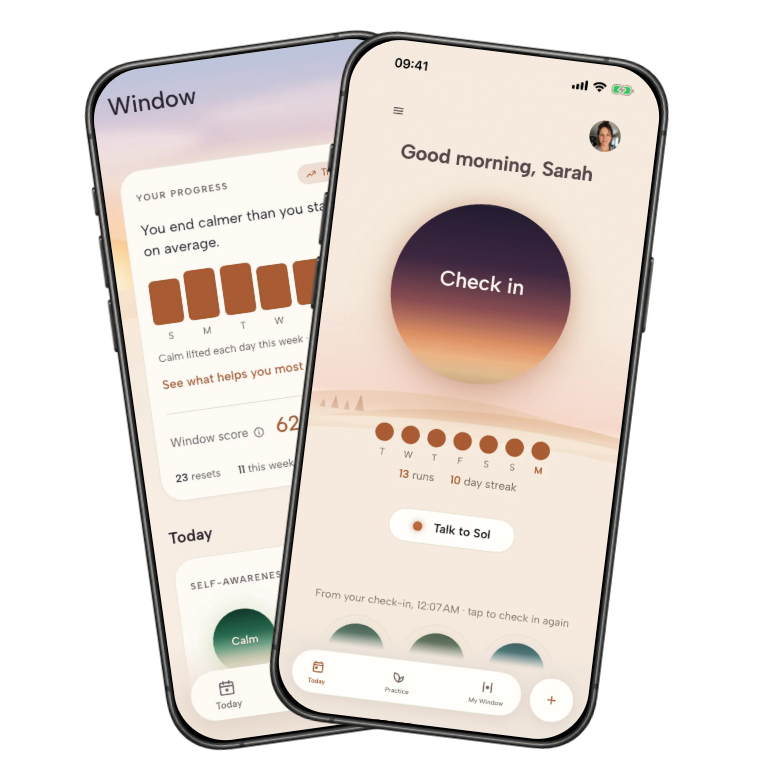
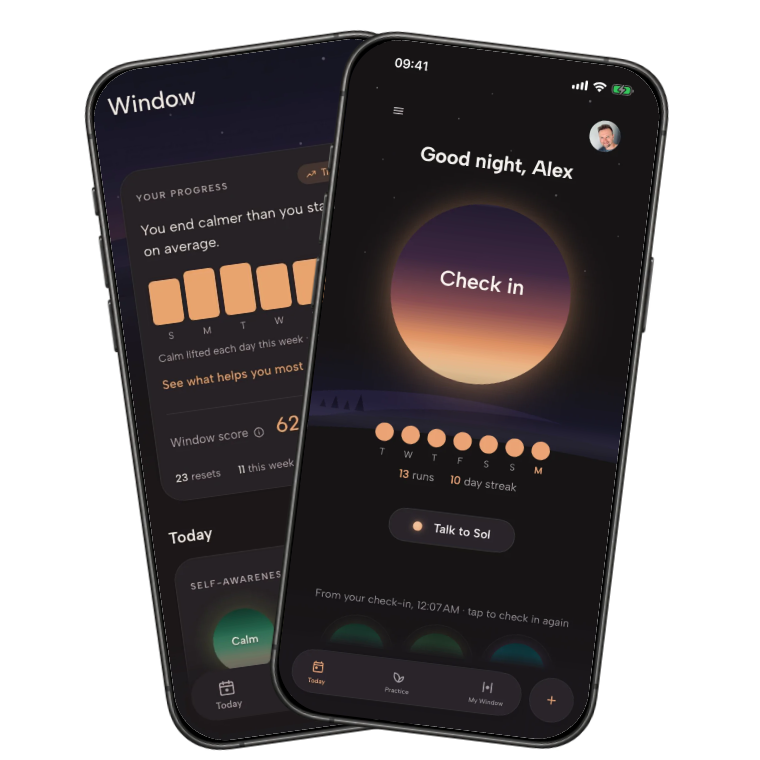
NerveWindow fits a narrower job. It is built for the moment when you prefer selecting what feels closest now and starting one short practice from breathing, movement, grounding, attention, writing, or other body-based routes. Basic has 23 practice exercises and Pro adds 21 Pro exercises.
Its limits matter. NerveWindow is not native-store software, does not measure a physiological state, does not offer a comparable practitioner community, and does not claim a library as large as SomaShare's. It is a self-guided educational product, not medical or emergency support.
Other alternatives by job
If neither model fits, choose by the job. A meditation app may fit when a meditation library is specifically what you want. A tracker may fit when the main task is reviewing patterns across days. A single-purpose public check-in may fit when you only want a quick state reflection before deciding what to do next.
For the broader market, read the current somatic exercise app comparison or the nervous system app comparison by job. To separate library meditation from state-matched selection, see meditation apps versus nervous system apps.
What to check before choosing
- Job: do you want a large library, a community feed, pattern tracking, or one next practice?
- Account: will you use account-optional basics, or do you want history, favorites, and community?
- Offer: check the exact trial, annual price, renewal, and cancellation terms in your storefront.
- Privacy: consider community content, account data, device details, and the dated policy alongside current store panels.
- Age boundary: read the current terms because the policy, terms, and Apple rating do not state the same threshold.
- Claims: keep vendor statements separate from independently established product outcomes.
FAQ
Is SomaShare free?
SomaShare's official FAQ says the app has a free tier and an optional annual Premium subscription. The US-facing FAQ lists a one-week trial followed by $59.99 per year. Check the price and renewal terms shown in your own storefront before subscribing.
Does SomaShare require an account?
SomaShare's official FAQ says basic app use does not require an account. It says an account unlocks the community tab, history, favorites, and other features.
What is the main difference between SomaShare and NerveWindow?
SomaShare centers a large practitioner-led practice library with optional community features. NerveWindow is an account-gated browser/PWA that narrows a selected current-state description to one short self-guided practice.
Was SomaShare tested for this review?
No. This is an official-source evaluation based on SomaShare's website, FAQ, published policies, and US Apple App Store and Google Play listings checked on August 25, 2026.
Prefer choosing one short practice by what feels workable now?